Consignor Portal
Let consignors check in without calling in
Give consignors a portal to check their items, sales, and balance 24/7. Fewer calls for you, more peace of mind for them.

Consignor Portal
Let consignors check in without calling in
Give consignors a portal to check their items, sales, and balance 24/7. Fewer calls for you, more peace of mind for them.
Consignor Portal
Let consignors check in without calling in
Give consignors a portal to check their items, sales, and balance 24/7. Fewer calls for you, more peace of mind for them.
Why consignors love the Consignor Portal
Consignors love to be able to check in and see how their items are doing.
Items and Sales at a Glance
Consignors see what’s active, what's sold, and what's expiring soon.
Live Balances
Balances update with every sale, so consignors always see the current number.
Your Own Subdomain
The portal lives at a web address you choose for your store.
You Stay in Control
You can choose which details show up on the portal and what your consignors have access to.
How to set up the Consignor Portal
Watch a quick walkthrough from ConsignCloud Academy.
How to set up the Consignor Portal
Watch a quick walkthrough from ConsignCloud Academy.
How to set up the Consignor Portal
Watch a quick walkthrough from ConsignCloud Academy.
FAQs
How do I turn on the Consignor Portal?
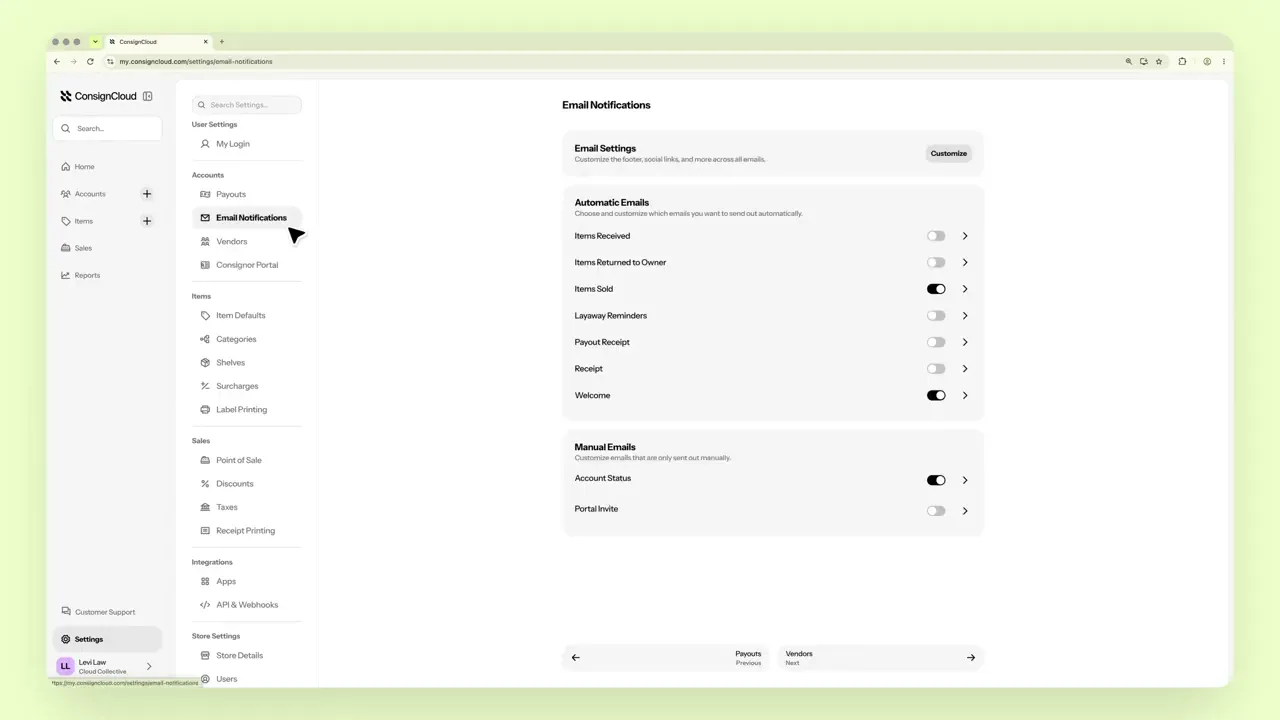
Go to Settings → Consignor Portal, toggle on “Enable Consignor Portal,” and choose a subdomain for your store. Then send the portal invite email to your consignors.
What if I want vendors to manage their own inventory?
If you want to give someone full control over their own inventory, use Vendor Login instead of the consignor portal. Vendors can add their own items and print their own labels.
FAQs
How do I turn on the Consignor Portal?
Go to Settings → Consignor Portal, toggle on “Enable Consignor Portal,” and choose a subdomain for your store. Then send the portal invite email to your consignors.
What if I want vendors to manage their own inventory?
If you want to give someone full control over their own inventory, use Vendor Login instead of the consignor portal. Vendors can add their own items and print their own labels.
FAQs
How do I turn on the Consignor Portal?
Go to Settings → Consignor Portal, toggle on “Enable Consignor Portal,” and choose a subdomain for your store. Then send the portal invite email to your consignors.
What if I want vendors to manage their own inventory?
If you want to give someone full control over their own inventory, use Vendor Login instead of the consignor portal. Vendors can add their own items and print their own labels.




Ready to get started?
Ready to get started?
Product
Store Models
Store Types
© 2026 ConsignCloud LLC. All Rights Reserved.
Product
Store Models
Store Types
© 2026 ConsignCloud LLC. All Rights Reserved.
Product
Store Models
Store Types
© 2026 ConsignCloud LLC. All Rights Reserved.