Vendor Management
Give your vendors the tools to thrive
Give every vendor in your mall or booth-rental store their own login so they can manage their inventory and you can focus on running your store.

Vendor Management
Give your vendors the tools to thrive
Give every vendor in your mall or booth-rental store their own login so they can manage their inventory and you can focus on running your store.
Vendor Management
Give your vendors the tools to thrive
Give every vendor in your mall or booth-rental store their own login so they can manage their inventory and you can focus on running your store.
Less back-and-forth, more selling
Give your vendors the tools to manage themselves and get your time back.
Vendor Login
Vendors log in, add their own items, set prices, and check their balance without ever having to track you down.
Active Balance Visibility
Vendors can see their current balance in real time, so you spend less time fielding "how much have I made?" questions.
Custom Item Fields
Show vendors only the fields they need to fill out and hide the rest to keep things clean and prevent accidental changes.
Self-Serve Label Printing
Vendors can print their own labels as PDFs from any of your store's available label formats to get their items on the floor fast.
Built for how malls actually work
Let vendors run their own show
When vendors can add items, price their own inventory, and print their own labels, your job gets a lot simpler.
Self-service item entry
Vendor-controlled pricing
PDF label printing

Let vendors run their own show
When vendors can add items, price their own inventory, and print their own labels, your job gets a lot simpler.
Self-service item entry
Vendor-controlled pricing
PDF label printing
Let vendors run their own show
When vendors can add items, price their own inventory, and print their own labels, your job gets a lot simpler.
Self-service item entry
PDF label printing
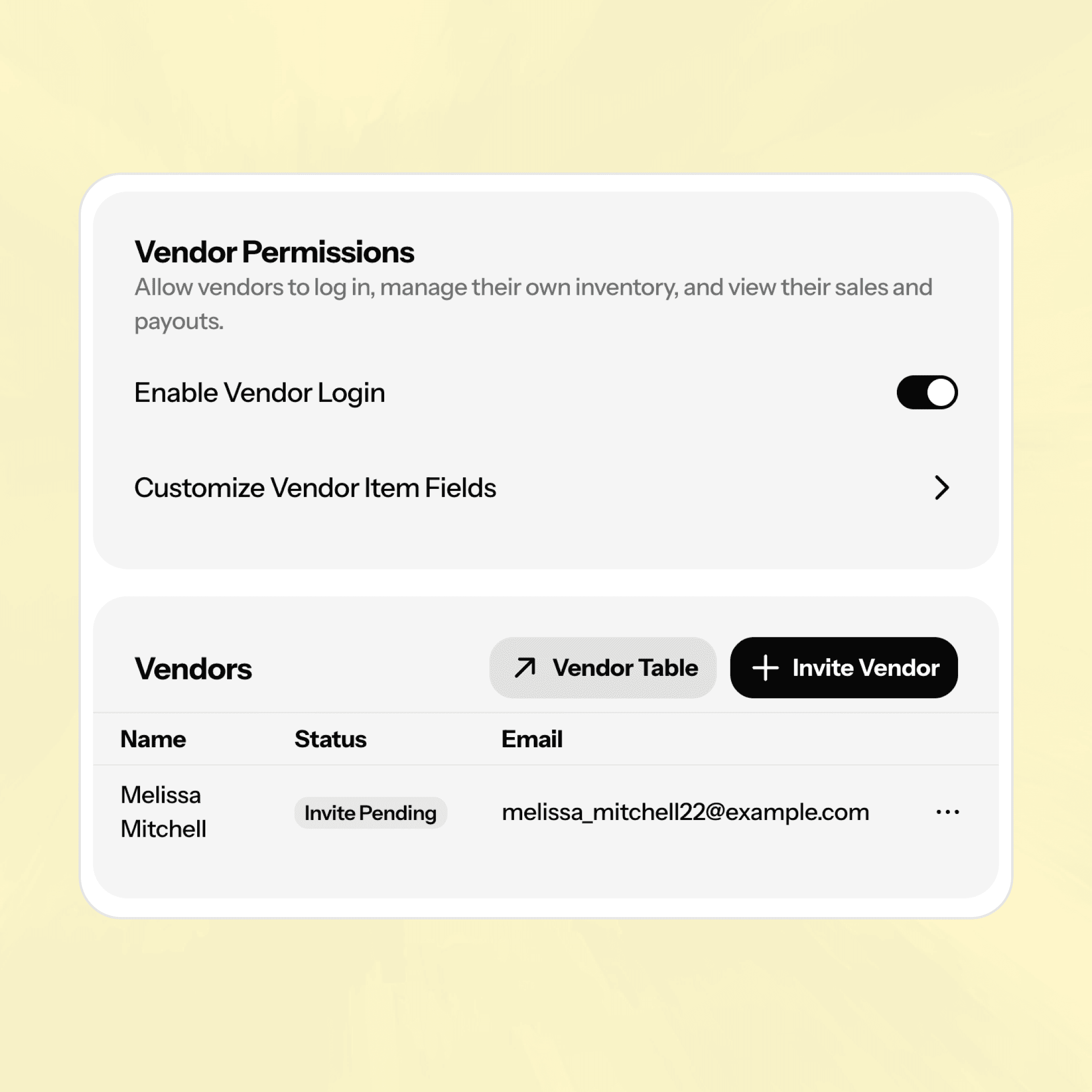
You stay in control
Vendor autonomy doesn't mean vendor chaos — you decide exactly what they can see and do.
Customizable item fields
Per-account vendor permissions
Easy invite management
You stay in control
Vendor autonomy doesn't mean vendor chaos — you decide exactly what they can see and do.
Customizable item fields
Per-account vendor permissions
Easy invite management
You stay in control
Vendor autonomy doesn't mean vendor chaos — you decide exactly what they can see and do.
Customizable item fields
Per-account vendor permissions
Easy invite management
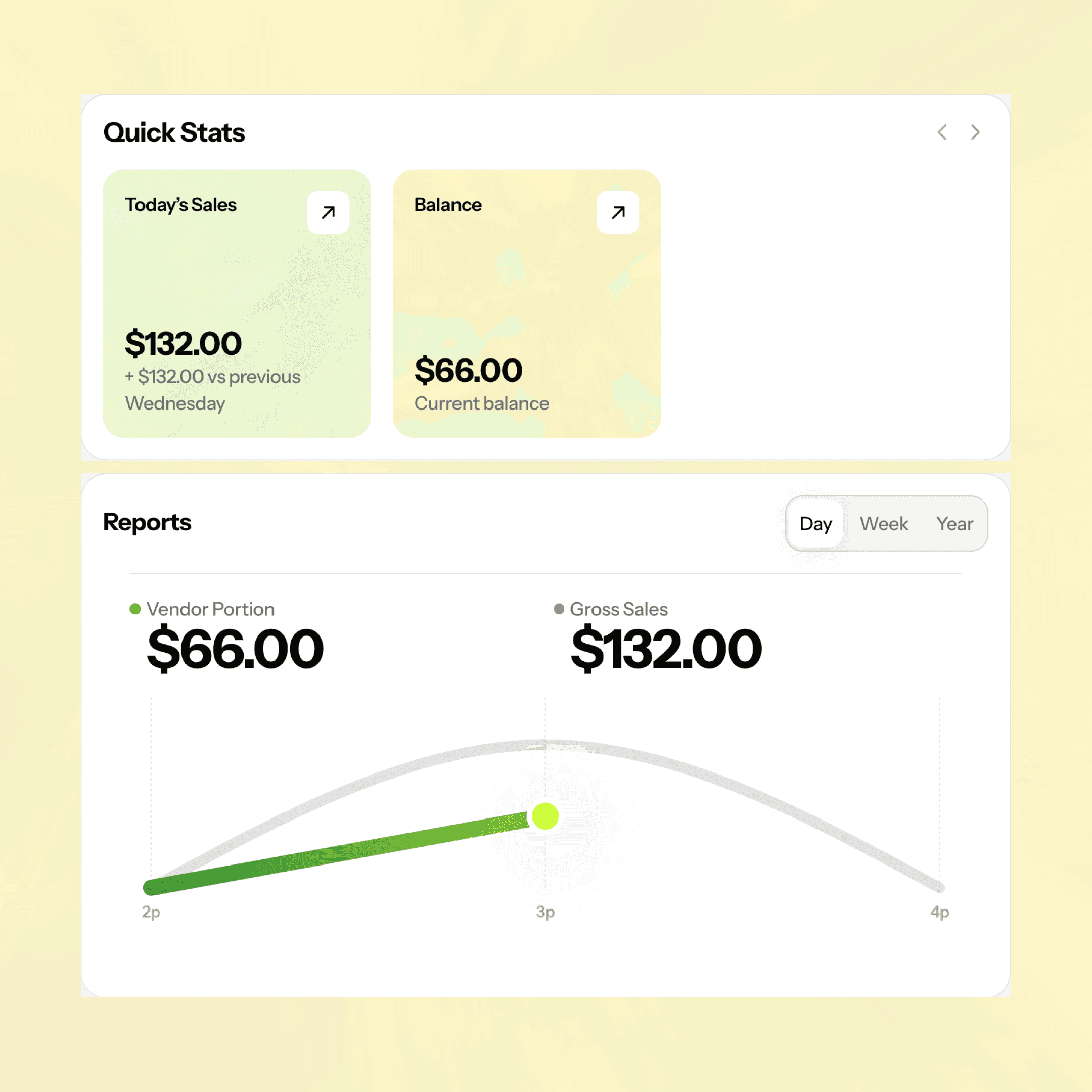
Transparent balances, fewer questions
Vendors can check their active balance anytime, which means fewer interruptions for you
Real-time balance visibility
Vendor-facing sales info
Transparent balances, fewer questions
Vendors can check their active balance anytime, which means fewer interruptions for you
Real-time balance visibility
Vendor-facing sales info
Transparent balances, fewer questions
Vendors can check their active balance anytime, which means fewer interruptions for you
Real-time balance visibility
Vendor-facing sales info
Up and running in a few clicks
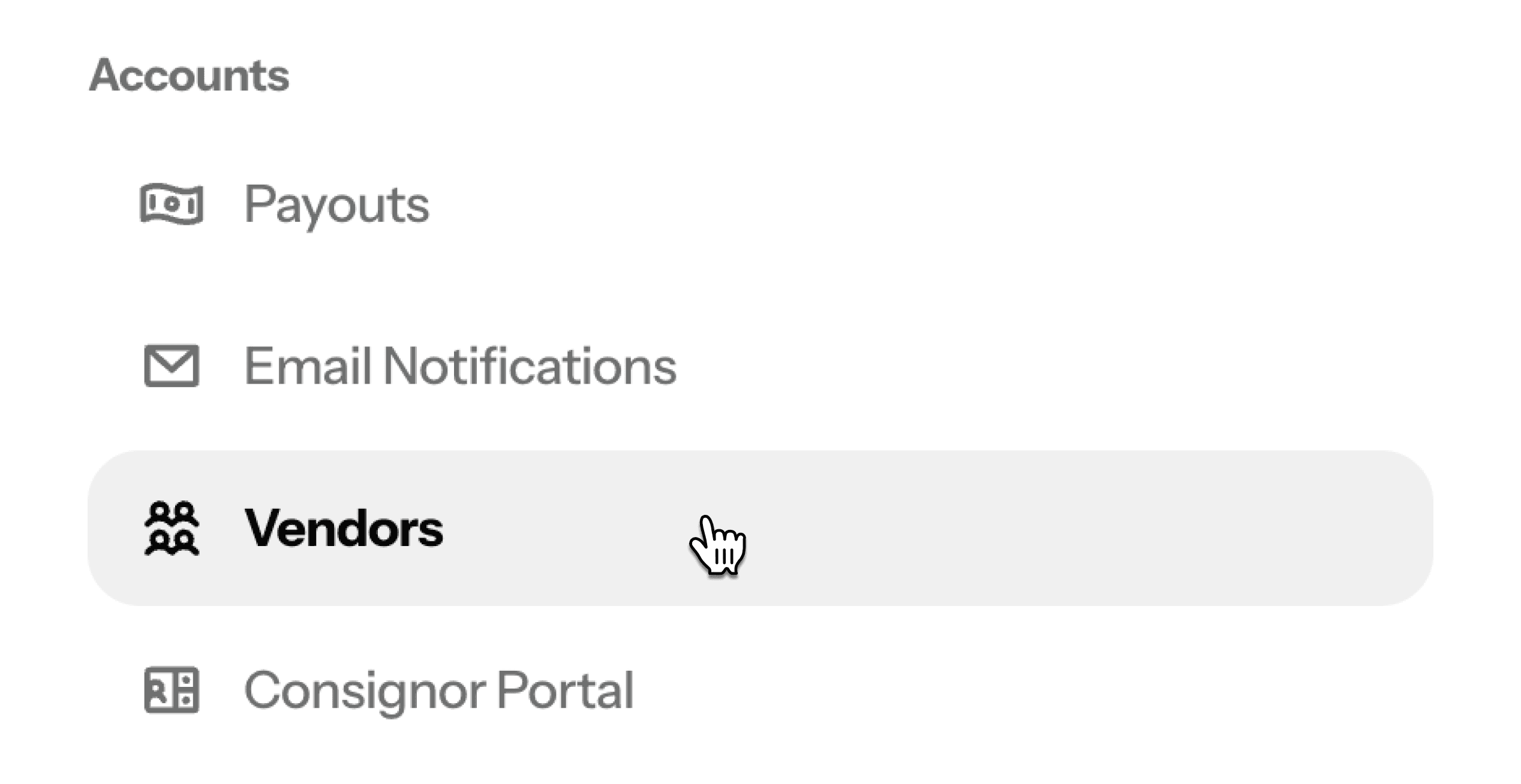
STEP 1
Turn on Vendor Login
Head to Settings, open the Vendors section, and toggle on Enable Vendor Login. That's the switch that makes everything else possible.
Step 2
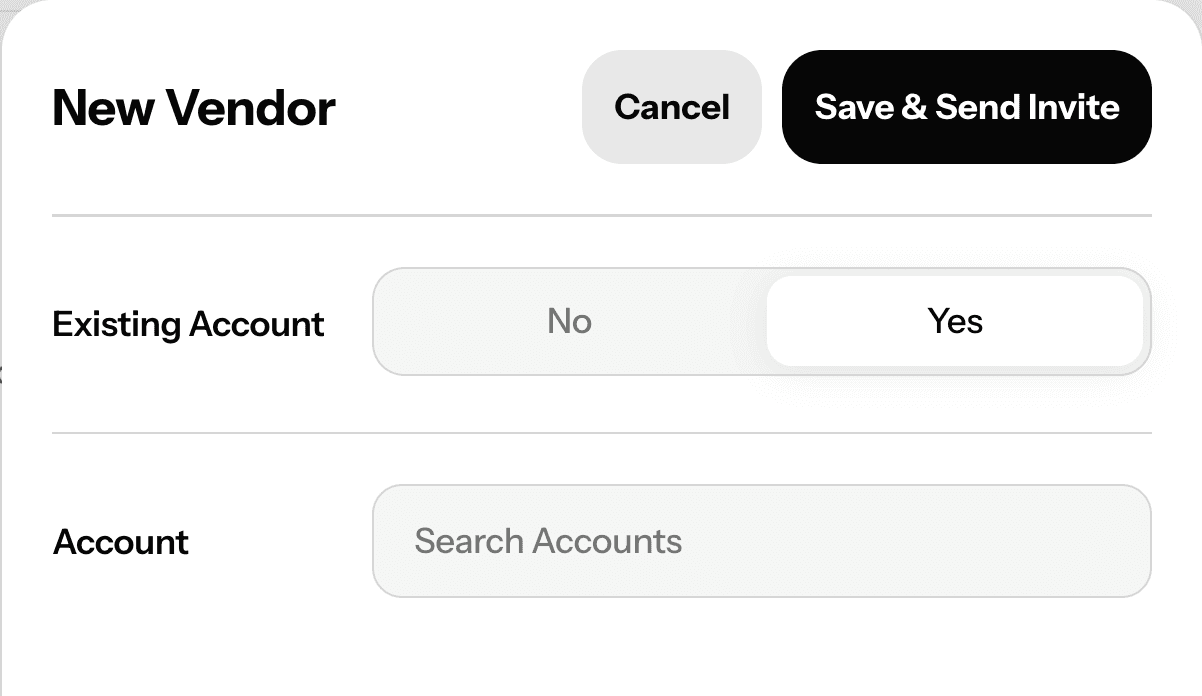
Invite your vendors
Add vendors one at a time from the Vendor Settings page or directly from any existing account profile. New vendor? You can create the account and send the invite in one step.
Step 3
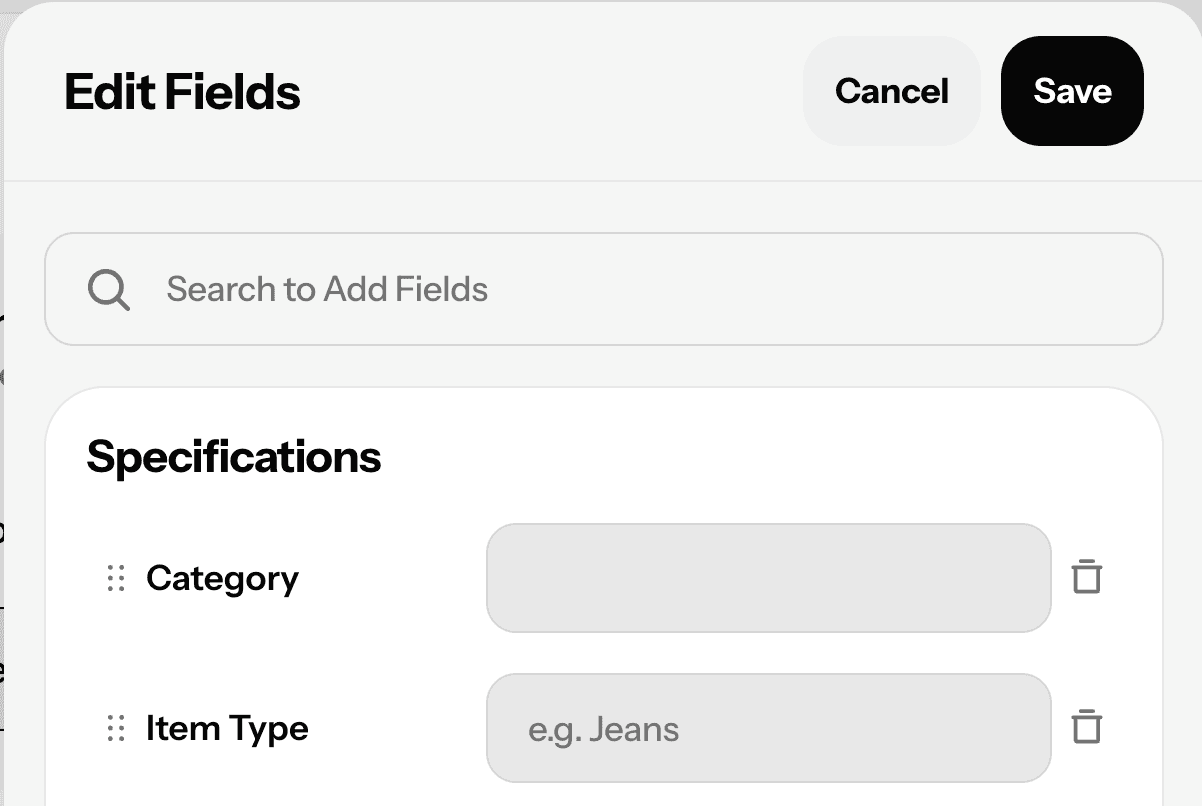
Customize and go
Hide any item fields you don't want vendors touching, then send them the login link. They'll set up their profile, start adding items, and you're off to the races.
Up and running in a few clicks
STEP 1
Turn on Vendor Login
Head to Settings, open the Vendors section, and toggle on Enable Vendor Login. That's the switch that makes everything else possible.
Step 2
Invite your vendors
Add vendors one at a time from the Vendor Settings page or directly from any existing account profile. New vendor? You can create the account and send the invite in one step.
Step 3
Customize and go
Hide any item fields you don't want vendors touching, then send them the login link. They'll set up their profile, start adding items, and you're off to the races.
Up and running in a few clicks
STEP 1
Turn on Vendor Login
Head to Settings, open the Vendors section, and toggle on Enable Vendor Login. That's the switch that makes everything else possible.
Step 2
Invite your vendors
Add vendors one at a time from the Vendor Settings page or directly from any existing account profile. New vendor? You can create the account and send the invite in one step.
Step 3
Customize and go
Hide any item fields you don't want vendors touching, then send them the login link. They'll set up their profile, start adding items, and you're off to the races.
FAQs
What's the difference between Vendor Login and the Consignor Portal?
Vendor Login is designed for vendors who actively manage their own inventory — adding items, setting prices, and printing labels. The Consignor Portal is better suited for consignors who just want to view their sales. Not sure which fits your store? Check out this Help Center comparison.
Can vendors print their own labels?
Yes — vendors can print labels as PDFs and choose from any label formats your store has set up. They won't have access to ConsignCloud's CloudPrinting tool, but PDF printing covers everything they need. Learn more about label printing here.
Do all my accounts automatically become vendors when I turn on Vendor Login?
No, turning on Vendor Login doesn't change existing accounts. You will still need to invite vendors individually or in bulk, which keeps things tidy if only some of your accounts need vendor access.
Can I control what vendors see when they add items?
Yes. You can show or hide specific item fields so vendors only see what's relevant to them. This keeps the experience clean and prevents them from accidentally editing fields they shouldn't touch.
Can I preview what it's like to be a vendor?
Definitely! You can add an alternate email as a vendor account to preview the experience firsthand before rolling it out. See what the vendor portal looks like here.
FAQs
What's the difference between Vendor Login and the Consignor Portal?
Vendor Login is designed for vendors who actively manage their own inventory — adding items, setting prices, and printing labels. The Consignor Portal is better suited for consignors who just want to view their sales. Not sure which fits your store? Check out this Help Center comparison.
Can vendors print their own labels?
Yes — vendors can print labels as PDFs and choose from any label formats your store has set up. They won't have access to ConsignCloud's CloudPrinting tool, but PDF printing covers everything they need. Learn more about label printing here.
Do all my accounts automatically become vendors when I turn on Vendor Login?
No, turning on Vendor Login doesn't change existing accounts. You will still need to invite vendors individually or in bulk, which keeps things tidy if only some of your accounts need vendor access.
Can I control what vendors see when they add items?
Yes. You can show or hide specific item fields so vendors only see what's relevant to them. This keeps the experience clean and prevents them from accidentally editing fields they shouldn't touch.
Can I preview what it's like to be a vendor?
Definitely! You can add an alternate email as a vendor account to preview the experience firsthand before rolling it out. See what the vendor portal looks like here.
FAQs
What's the difference between Vendor Login and the Consignor Portal?
Vendor Login is designed for vendors who actively manage their own inventory — adding items, setting prices, and printing labels. The Consignor Portal is better suited for consignors who just want to view their sales. Not sure which fits your store? Check out this Help Center comparison.
Can vendors print their own labels?
Yes — vendors can print labels as PDFs and choose from any label formats your store has set up. They won't have access to ConsignCloud's CloudPrinting tool, but PDF printing covers everything they need. Learn more about label printing here.
Do all my accounts automatically become vendors when I turn on Vendor Login?
No, turning on Vendor Login doesn't change existing accounts. You will still need to invite vendors individually or in bulk, which keeps things tidy if only some of your accounts need vendor access.
Can I control what vendors see when they add items?
Yes. You can show or hide specific item fields so vendors only see what's relevant to them. This keeps the experience clean and prevents them from accidentally editing fields they shouldn't touch.
Can I preview what it's like to be a vendor?
Definitely! You can add an alternate email as a vendor account to preview the experience firsthand before rolling it out. See what the vendor portal looks like here.



Ready to get started?
Features
Integrations
Features
Integrations
Features
Integrations