Consignment POS Software
Point of sale built for resale
ConsignCloud's Point of Sale handles everything that makes consignment and resale checkout unique – from creating new items at checkout and store credit to automatic scheduled discounts.

Consignment POS Software
Point of sale built for resale
ConsignCloud's Point of Sale handles everything that makes consignment and resale checkout unique – from creating new items at checkout and store credit to automatic scheduled discounts.
Consignment POS Software
Point of sale built for resale
ConsignCloud's Point of Sale handles everything that makes consignment and resale checkout unique – from creating new items at checkout and store credit to automatic scheduled discounts.
Check out faster, with fewer mistakes
Everything your resale POS needs — no generic retail workarounds required.
Barcode Scanning
Scan any tagged item directly into a sale and ConsignCloud pulls it up instantly — no manual searching required.
Create Items on the Fly
If something isn't in your inventory yet, add it mid-sale without losing your place in the transaction.
Split Payments
Accept any combination of payment methods in a single sale including cash, card, store credit, gift card, check, or manual payment, across as many splits as needed.
Store Credit
Apply a customer's account balance directly at checkout and even offer a bonus so consignors can spend their earnings in-store without any extra steps.
Automatic or Manual Discounts
Apply discounts automatically with rules based on category, tag, or a time-based schedule or add discounts manually to the whole cart or individual items on the fly.
Print or Email Receipts
Give customers a printed receipt, a gift receipt with the price removed, or an email receipt.
Gift Cards
Sell and redeem gift cards right from the POS with customizable amounts and create scannable barcodes.
Tax Management
Set up your tax rates once and ConsignCloud applies them automatically at checkout, so every sale is calculated correctly.
Why ConsignCloud's POS is different
Built for consignment and resale
Scan, search, or add on the fly, run automatic discounts, and make sure every consignor gets paid the right amount.
Store, consignor, or shared discounts
Discount schedules that grow over time
Create items quickly at POS

Built for consignment and resale
Scan, search, or add on the fly, run automatic discounts, and make sure every consignor gets paid the right amount.
Store, consignor, or shared discounts
Discount schedules that grow over time
Create items quickly at POS
Built for consignment and resale
Scan, search, or add on the fly, run automatic discounts, and make sure every consignor gets paid the right amount.
Store, consignor, or shared discounts
Create items quickly at POS
Pick your processor
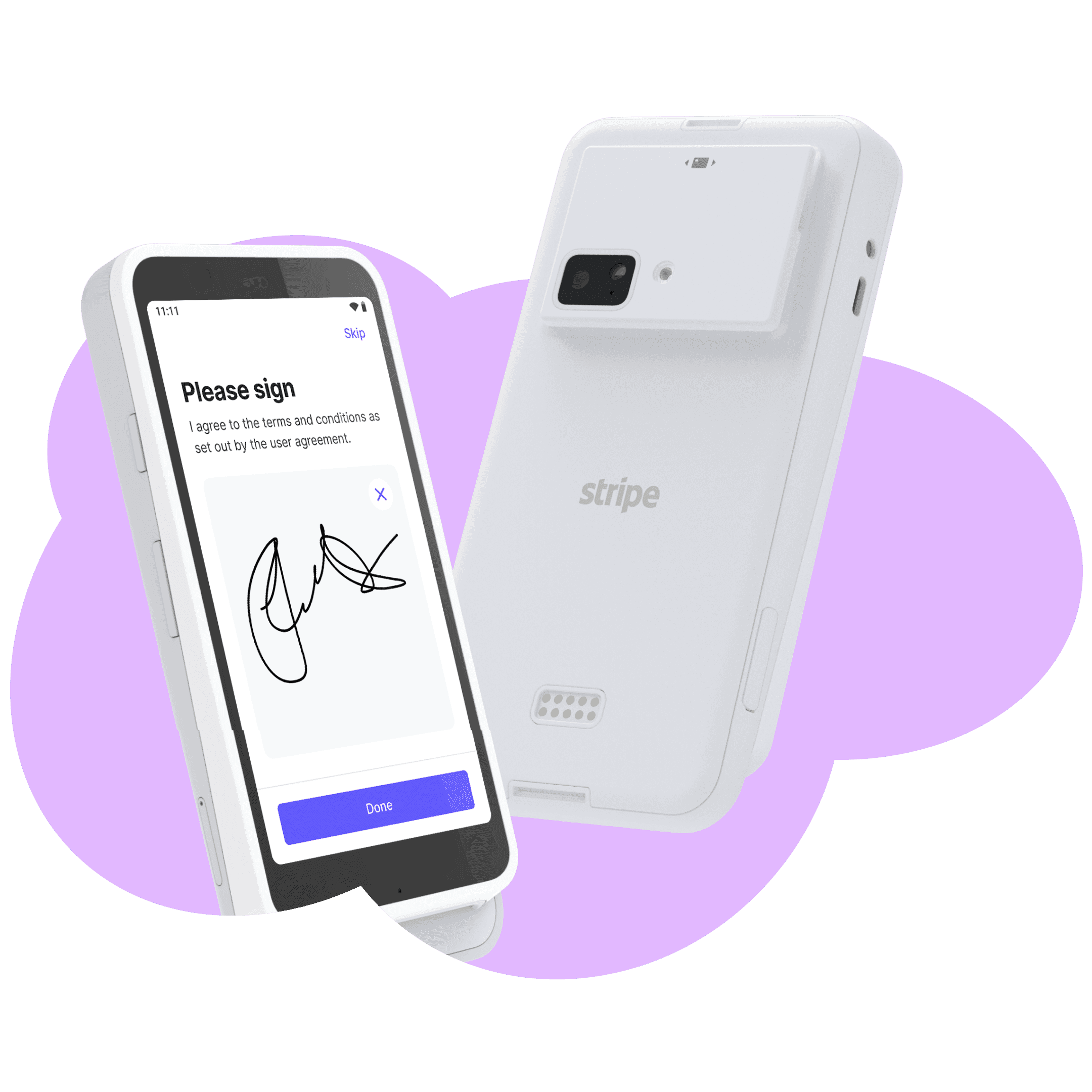
Accept card payments integrated directly through ConsignCloud with Stripe or Gravity Payments. Or you can bring your own processor and do non-integrated processing.
Fully integrated with Stripe and Gravity Payments
Voids handled automatically
Competitive processing rates

Pick your processor
Accept card payments integrated directly through ConsignCloud with Stripe or Gravity Payments. Or you can bring your own processor and do non-integrated processing.
Fully integrated with Stripe and Gravity Payments
Voids handled automatically
Competitive processing rates
Pick your processor
Accept card payments integrated directly through ConsignCloud with Stripe or Gravity Payments. Or you can bring your own processor and do non-integrated processing.
Fully integrated with Stripe and Gravity Payments
Voids handled automatically
Competitive processing rates
Multi-register, multi-location ready
Add registers as needed and manage every location from one account.
Unlimited registers per location
Multiple locations supported
Centralized reporting across all locations
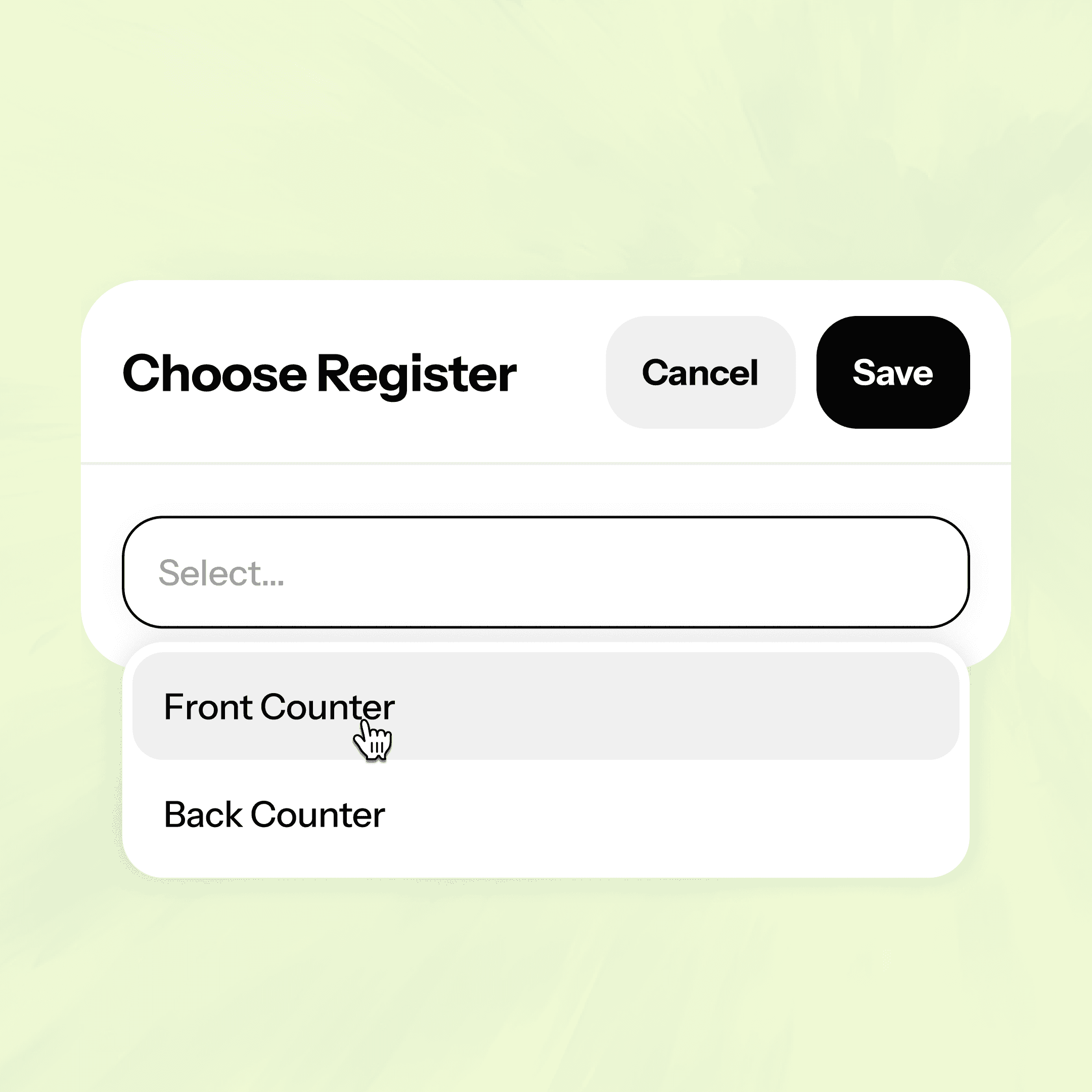
Multi-register, multi-location ready
Add registers as needed and manage every location from one account.
Unlimited registers per location
Multiple locations supported
Centralized reporting across all locations
Multi-register, multi-location ready
Add registers as needed and manage every location from one account.
Unlimited registers per location
Multiple locations supported
Centralized reporting across all locations
Bring your own POS
Want to use Shopify or Square POS? No problem! Get started by visiting Settings – Apps.
Full inventory sync with Shopify or Square
One source of truth for your store data
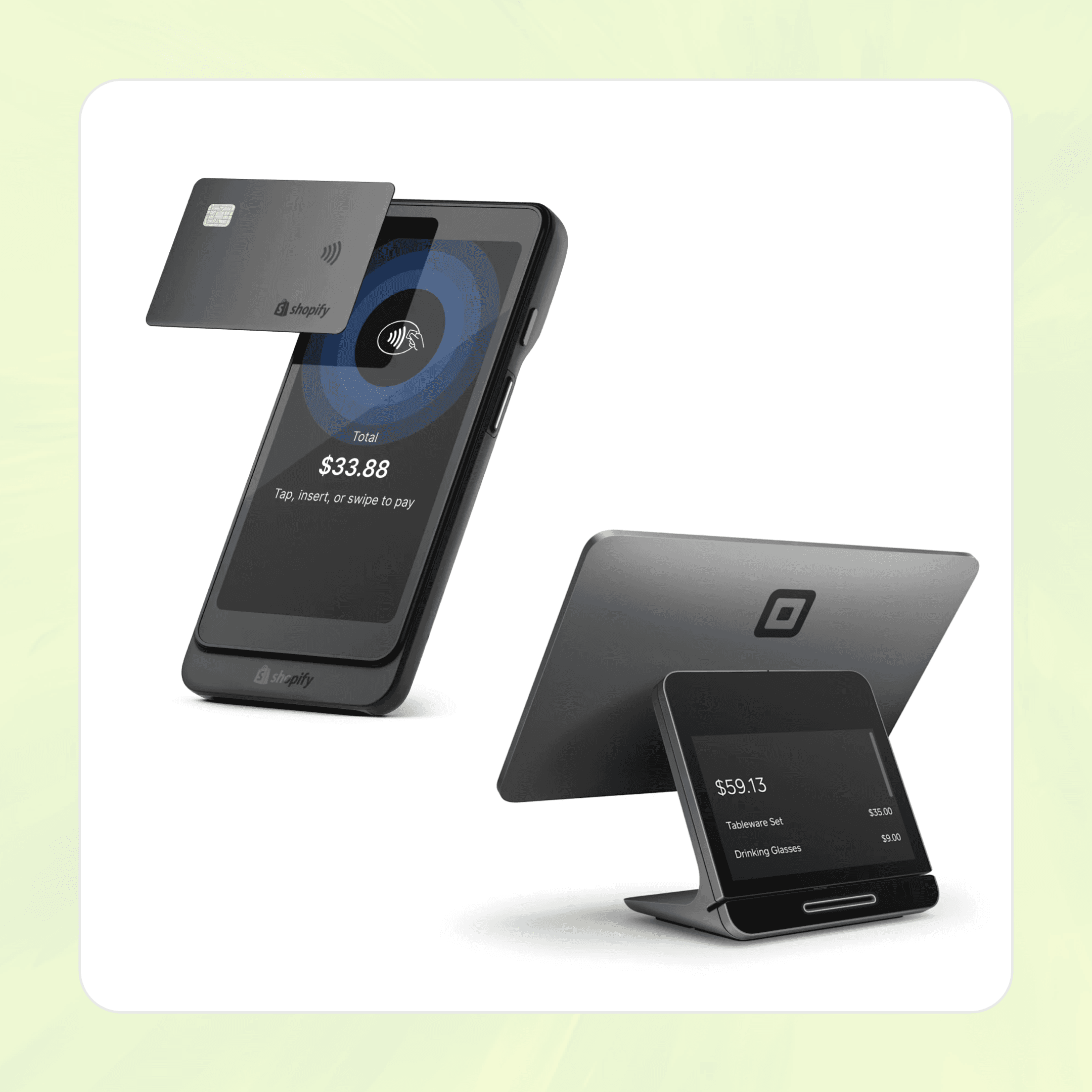
Bring your own POS
Want to use Shopify or Square POS? No problem! Get started by visiting Settings – Apps.
Full inventory sync with Shopify or Square
One source of truth for your store data
Bring your own POS
Want to use Shopify or Square POS? No problem! Get started by visiting Settings – Apps.
Full inventory sync with Shopify or Square
One source of truth for your store data
How to set up your ConsignCloud POS
Get your POS up and running quickly
STEP 1
Set up your payment methods
Connect Stripe or Gravity Payments for integrated card processing (takes just a few minutes in Settings), and configure whichever additional payment types your store accepts — cash, check, gift cards, store credit.
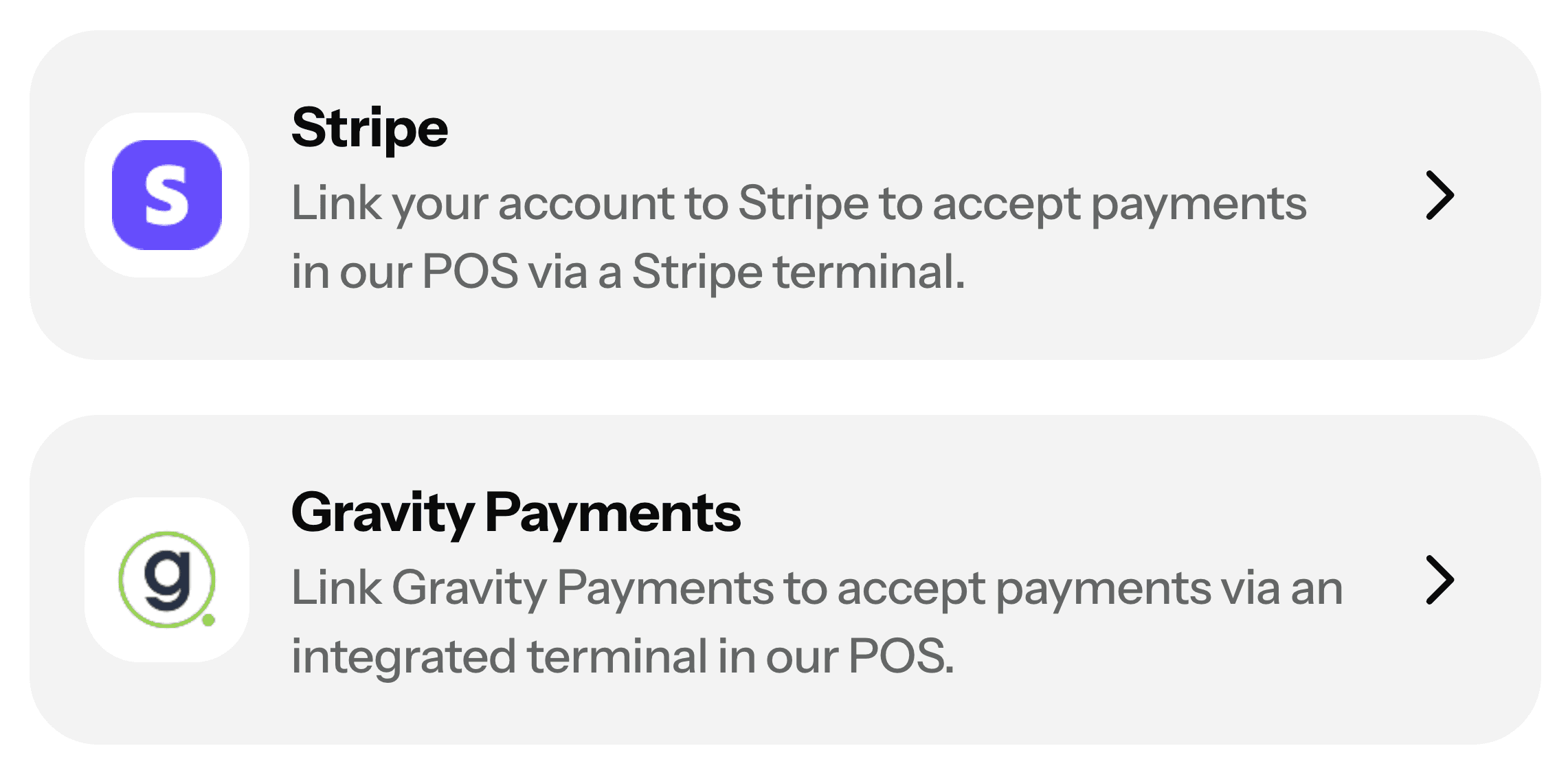
Step 2
Configure your discounts and taxes
Create discount rules by category or tag, set up any scheduled markdowns, and add your tax rates. ConsignCloud applies them automatically from here on out.
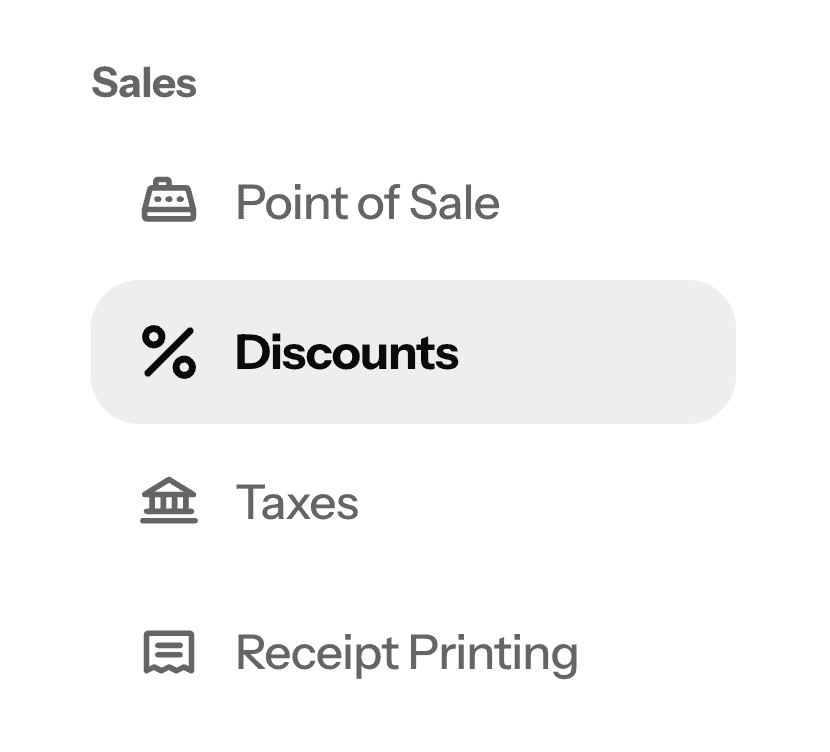
Step 3
Run a sale
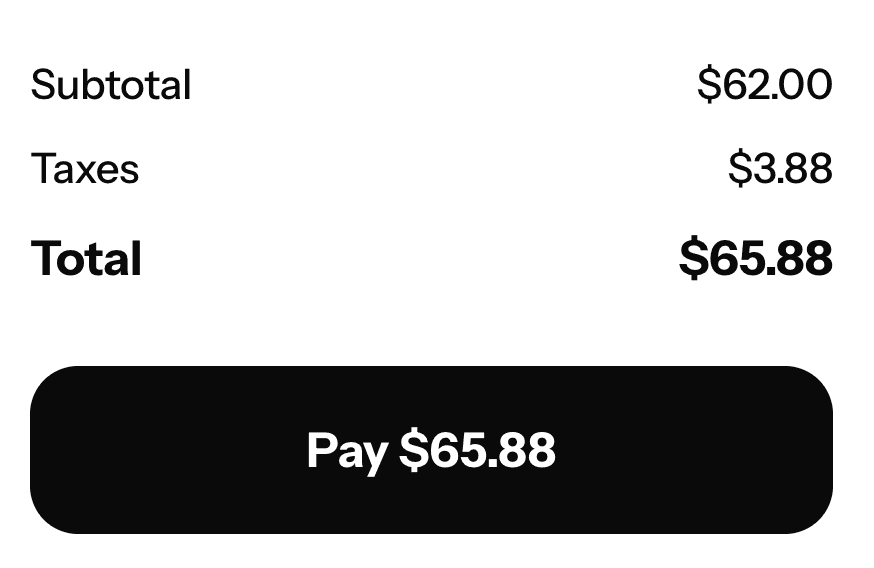
In your POS, add items, select payment method, and complete the sale.
How to set up your ConsignCloud POS
Get your POS up and running quickly
STEP 1
Set up your payment methods
Connect Stripe or Gravity Payments for integrated card processing (takes just a few minutes in Settings), and configure whichever additional payment types your store accepts — cash, check, gift cards, store credit.
Step 2
Configure your discounts and taxes
Create discount rules by category or tag, set up any scheduled markdowns, and add your tax rates. ConsignCloud applies them automatically from here on out.
Step 3
Run a sale
In your POS, add items, select payment method, and complete the sale.
How to set up your ConsignCloud POS
Get your POS up and running quickly
STEP 1
Set up your payment methods
Connect Stripe or Gravity Payments for integrated card processing (takes just a few minutes in Settings), and configure whichever additional payment types your store accepts — cash, check, gift cards, store credit.
Step 2
Configure your discounts and taxes
Create discount rules by category or tag, set up any scheduled markdowns, and add your tax rates. ConsignCloud applies them automatically from here on out.
Step 3
Run a sale
In your POS, add items, select payment method, and complete the sale.
FAQs
Do I need special POS software for a consignment or resale store?
Most retail POS systems can handle basic checkout, but they weren't built for consignment. They don't know how to split a sale between a store and a consignor, apply time-based discount schedules, or manage store credit tied to consignor accounts. If you run a consignment or resale store, purpose-built software like ConsignCloud will be a huge time-saver!
What is a consignment POS?
A consignment or resale POS (point of sale) is a checkout system built specifically for secondhand and resale stores. Unlike generic retail POS systems, a resale POS understands consignment-specific rules — like splitting a sale between the store and a consignor, applying automatic discount schedules to age out inventory, and tracking items that may have been added at the counter rather than entered into inventory in advance. ConsignCloud's resale POS is designed around exactly how resale stores actually operate.
What credit card processing does ConsignCloud support?
ConsignCloud integrates directly with Gravity Payments or Stripe for in-person card payments. Gravity Payments charges uses a cost-plus pricing model which you can learn more about by contacting them. Stripe charges 2.7% + 5¢ per transaction for domestic cards, and setup is entirely self-serve with no sales calls.
Can I use the Shopify or Square POS?
Yes — if your store is integrated with Shopify or Square, you can use their POS instead of ConsignCloud's native POS. Your inventory and sales stay fully synced across platforms either way. See our Help Center articles on Shopify and Square for setup details.
How do gift cards work?
You can create gift cards in ConsignCloud with a set balance and a barcode — either one ConsignCloud generates or a custom code you enter. Customers can purchase them right at the POS. To redeem, just scan or enter the code at checkout. Many stores use a third-party printing service to produce physical cards. Gift cards are currently redeemable in-store only and don't sync to Shopify. Learn more in our Gift Cards help article.
Can I handle refunds and void sales?
Absolutely! ConsignCloud supports refunds and voiding sales from within the POS or sales table.
FAQs
Do I need special POS software for a consignment or resale store?
Most retail POS systems can handle basic checkout, but they weren't built for consignment. They don't know how to split a sale between a store and a consignor, apply time-based discount schedules, or manage store credit tied to consignor accounts. If you run a consignment or resale store, purpose-built software like ConsignCloud will be a huge time-saver!
What is a consignment POS?
A consignment or resale POS (point of sale) is a checkout system built specifically for secondhand and resale stores. Unlike generic retail POS systems, a resale POS understands consignment-specific rules — like splitting a sale between the store and a consignor, applying automatic discount schedules to age out inventory, and tracking items that may have been added at the counter rather than entered into inventory in advance. ConsignCloud's resale POS is designed around exactly how resale stores actually operate.
What credit card processing does ConsignCloud support?
ConsignCloud integrates directly with Gravity Payments or Stripe for in-person card payments. Gravity Payments charges uses a cost-plus pricing model which you can learn more about by contacting them. Stripe charges 2.7% + 5¢ per transaction for domestic cards, and setup is entirely self-serve with no sales calls.
Can I use the Shopify or Square POS?
Yes — if your store is integrated with Shopify or Square, you can use their POS instead of ConsignCloud's native POS. Your inventory and sales stay fully synced across platforms either way. See our Help Center articles on Shopify and Square for setup details.
How do gift cards work?
You can create gift cards in ConsignCloud with a set balance and a barcode — either one ConsignCloud generates or a custom code you enter. Customers can purchase them right at the POS. To redeem, just scan or enter the code at checkout. Many stores use a third-party printing service to produce physical cards. Gift cards are currently redeemable in-store only and don't sync to Shopify. Learn more in our Gift Cards help article.
Can I handle refunds and void sales?
Absolutely! ConsignCloud supports refunds and voiding sales from within the POS or sales table.
FAQs
Do I need special POS software for a consignment or resale store?
Most retail POS systems can handle basic checkout, but they weren't built for consignment. They don't know how to split a sale between a store and a consignor, apply time-based discount schedules, or manage store credit tied to consignor accounts. If you run a consignment or resale store, purpose-built software like ConsignCloud will be a huge time-saver!
What is a consignment POS?
A consignment or resale POS (point of sale) is a checkout system built specifically for secondhand and resale stores. Unlike generic retail POS systems, a resale POS understands consignment-specific rules — like splitting a sale between the store and a consignor, applying automatic discount schedules to age out inventory, and tracking items that may have been added at the counter rather than entered into inventory in advance. ConsignCloud's resale POS is designed around exactly how resale stores actually operate.
What credit card processing does ConsignCloud support?
ConsignCloud integrates directly with Gravity Payments or Stripe for in-person card payments. Gravity Payments charges uses a cost-plus pricing model which you can learn more about by contacting them. Stripe charges 2.7% + 5¢ per transaction for domestic cards, and setup is entirely self-serve with no sales calls.
Can I use the Shopify or Square POS?
Yes — if your store is integrated with Shopify or Square, you can use their POS instead of ConsignCloud's native POS. Your inventory and sales stay fully synced across platforms either way. See our Help Center articles on Shopify and Square for setup details.
How do gift cards work?
You can create gift cards in ConsignCloud with a set balance and a barcode — either one ConsignCloud generates or a custom code you enter. Customers can purchase them right at the POS. To redeem, just scan or enter the code at checkout. Many stores use a third-party printing service to produce physical cards. Gift cards are currently redeemable in-store only and don't sync to Shopify. Learn more in our Gift Cards help article.
Can I handle refunds and void sales?
Absolutely! ConsignCloud supports refunds and voiding sales from within the POS or sales table.


Ready to get started?
Features
Integrations
Features
Integrations
Features
Integrations