Reporting
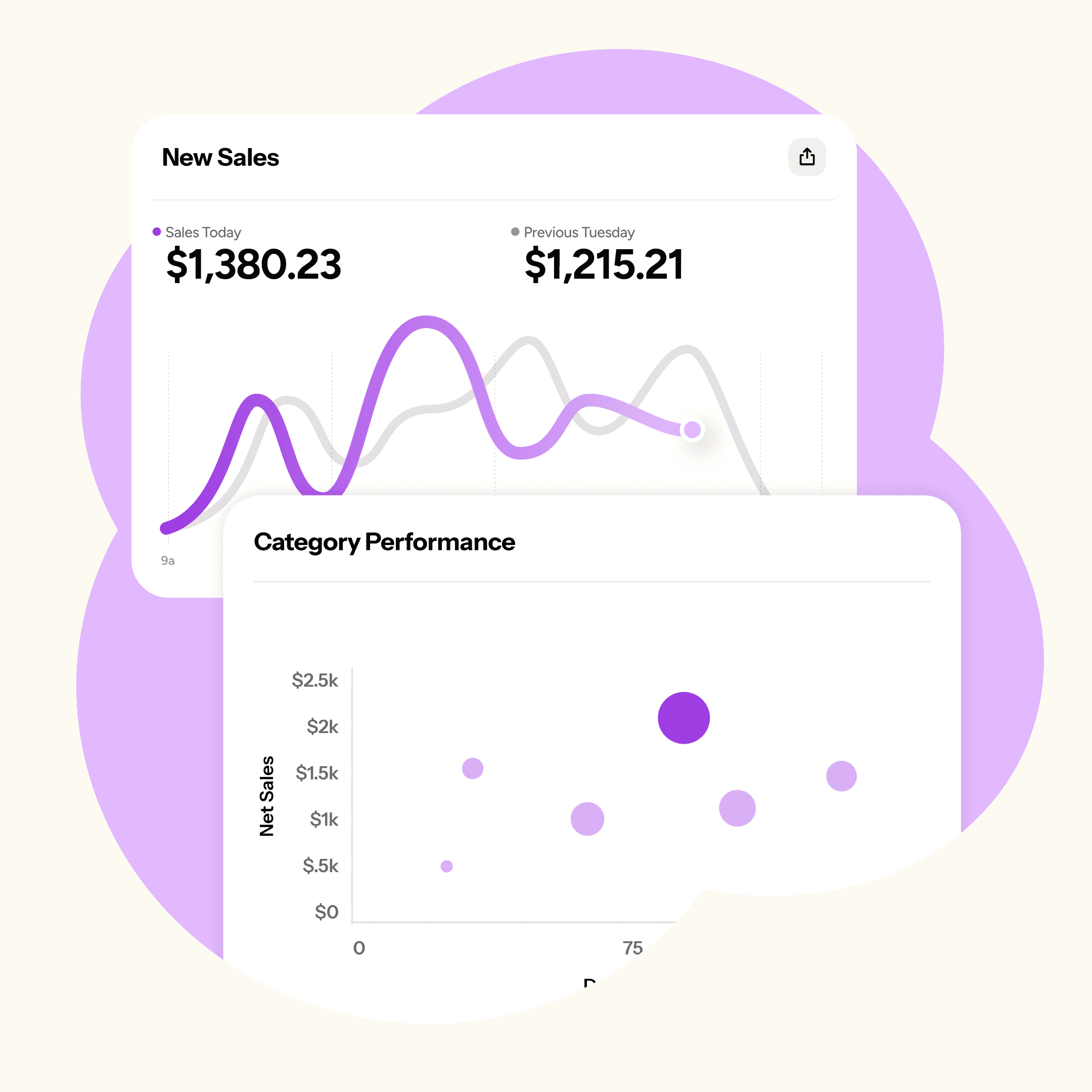
Know what’s working in your store
See what’s selling, what’s sitting, and what you can optimize.
Reporting
Know what’s working in your store
See what’s selling, what’s sitting, and what you can optimize.
Reporting
Know what’s working in your store
See what’s selling, what’s sitting, and what you can optimize.
Reports built for resale
Every sale, payout, and item, ready when you need it.
Dashboard and Action Items
Start your day with quick stats and a list of what needs your attention.
Sales and Payout Summaries
See sales and consignor balance changes for any date range.
Item Performance
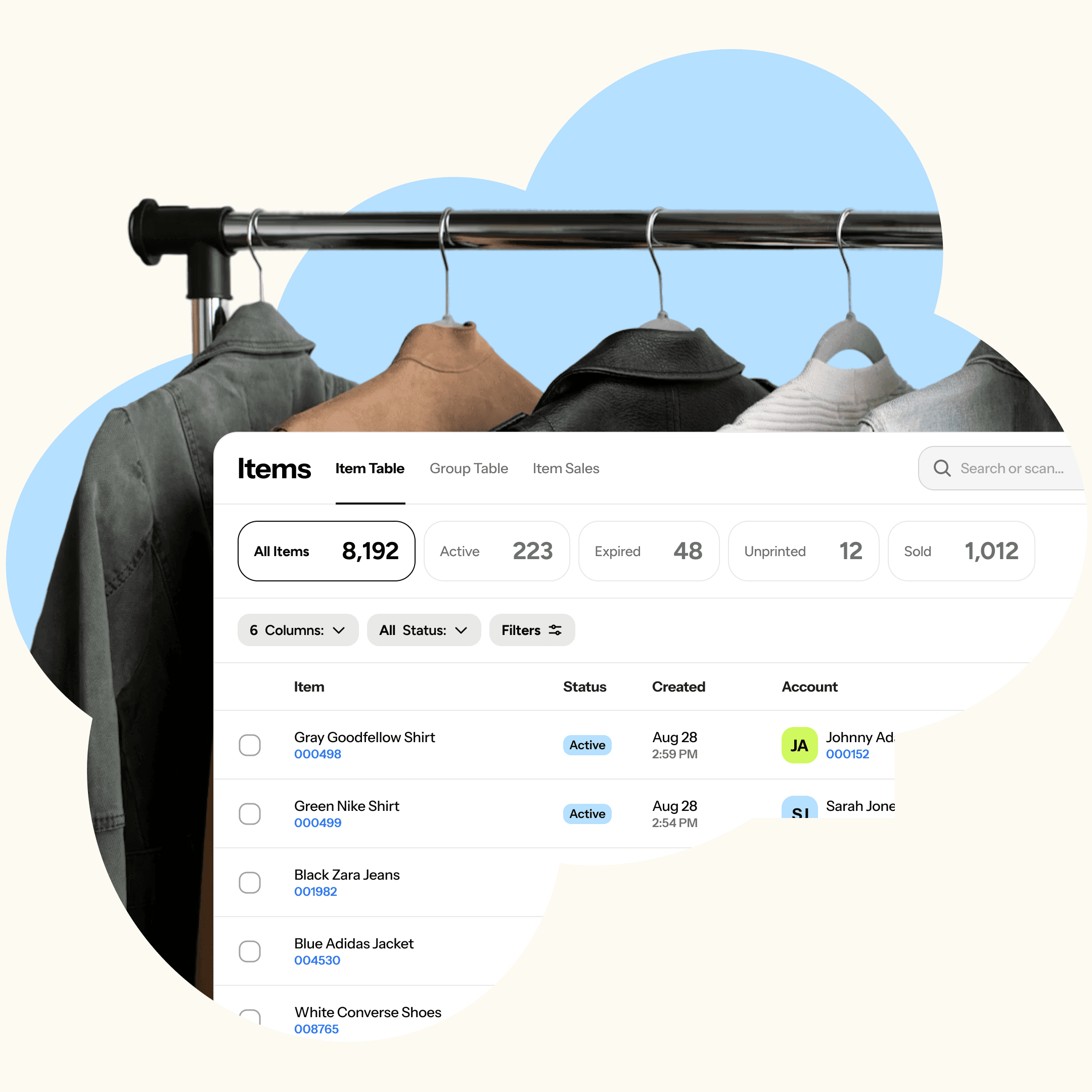
Turnover, days on shelf, and net sales by category, brand, and more.
Sales by Category and Brand
Break down your sales at whatever level of detail you need.
Full Audit Log
See who changed what, and when, across items, accounts, and sales.
How reporting works
Your reports fill in as you sell.
Step 1
Run your store
Every sale, payout, and item change feeds your reports automatically.
Step 2
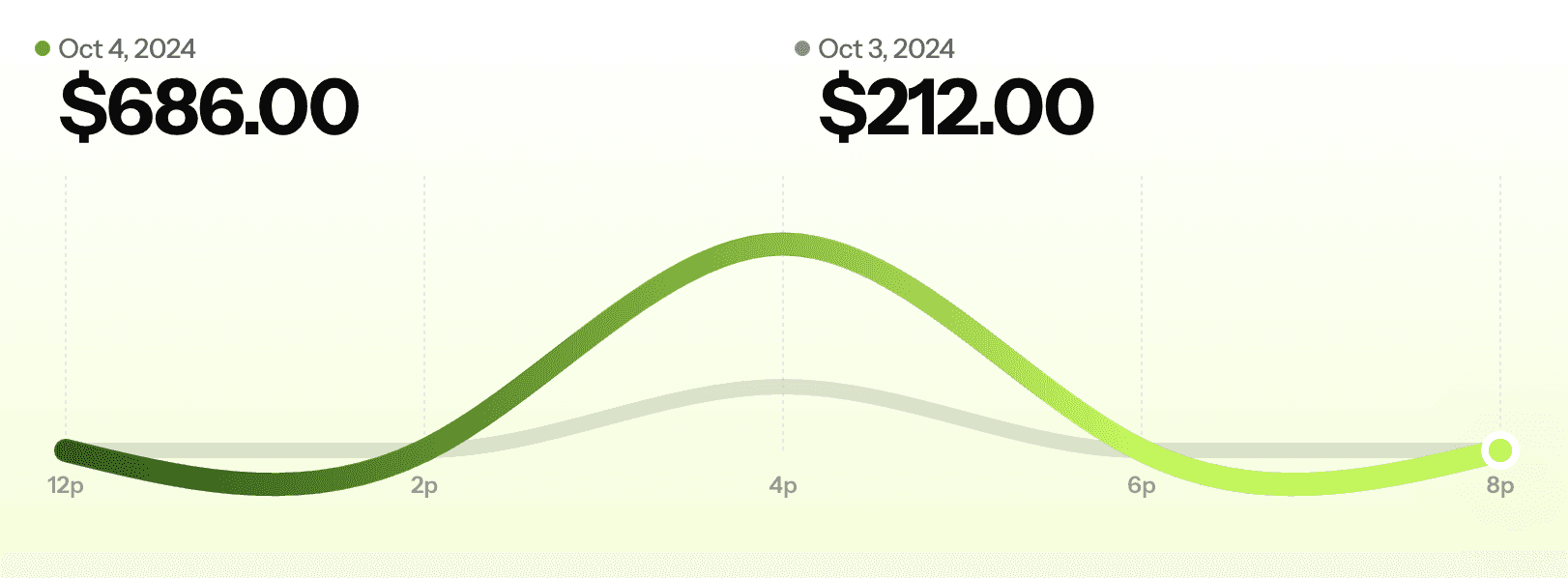
Check your dashboard
Start each day with quick stats and action items.

Step 3
Dig deeper
Open any report, filter by date, category, or account, and export what you need.

How reporting works
Your reports fill in as you sell.
Step 1
Run your store
Every sale, payout, and item change feeds your reports automatically.
Step 2
Check your dashboard
Start each day with quick stats and action items.
Step 3
Dig deeper
Open any report, filter by date, category, or account, and export what you need.
How reporting works
Your reports fill in as you sell.
Step 1
Run your store
Every sale, payout, and item change feeds your reports automatically.
Step 2
Check your dashboard
Start each day with quick stats and action items.
Step 3
Dig deeper
Open any report, filter by date, category, or account, and export what you need.
FAQs
Which reports come with ConsignCloud?
Sales summaries, payout reports, register reporting, Item Performance, consignor performance, plus a dashboard with daily action items.
What is the Item Performance report?
It shows how your inventory performs by category, brand, shelf, account, and more, using turnover ratio, net sales, and days on shelf.
Can I export my data?
Yes. Filter, sort, and export any table, or pull your data straight from the API.
Can I see reports across multiple locations?
Yes. Reporting covers all of your locations.
Can my accountant access my reports?
Yes. The accountant role gives your accountant everything they need to do your books.
FAQs
Which reports come with ConsignCloud?
Sales summaries, payout reports, register reporting, Item Performance, consignor performance, plus a dashboard with daily action items.
What is the Item Performance report?
It shows how your inventory performs by category, brand, shelf, account, and more, using turnover ratio, net sales, and days on shelf.
Can I export my data?
Yes. Filter, sort, and export any table, or pull your data straight from the API.
Can I see reports across multiple locations?
Yes. Reporting covers all of your locations.
Can my accountant access my reports?
Yes. The accountant role gives your accountant everything they need to do your books.
FAQs
Which reports come with ConsignCloud?
Sales summaries, payout reports, register reporting, Item Performance, consignor performance, plus a dashboard with daily action items.
What is the Item Performance report?
It shows how your inventory performs by category, brand, shelf, account, and more, using turnover ratio, net sales, and days on shelf.
Can I export my data?
Yes. Filter, sort, and export any table, or pull your data straight from the API.
Can I see reports across multiple locations?
Yes. Reporting covers all of your locations.
Can my accountant access my reports?
Yes. The accountant role gives your accountant everything they need to do your books.



Ready to get started?
Ready to get started?
Product
Store Models
Store Types
© 2026 ConsignCloud LLC. All Rights Reserved.
Product
Store Models
Store Types
© 2026 ConsignCloud LLC. All Rights Reserved.
Product
Store Models
Store Types
© 2026 ConsignCloud LLC. All Rights Reserved.