
Integration
Gravity Payments + ConsignCloud
ConsignCloud's built-in integration with Gravity Payments means faster checkouts, zero double-entry, and no need to switch processors if you're already a Gravity customer.
Integration
Gravity Payments + ConsignCloud
ConsignCloud's built-in integration with Gravity Payments means faster checkouts, zero double-entry, and no need to switch processors if you're already a Gravity customer.
Integration
Gravity Payments + ConsignCloud
ConsignCloud's built-in integration with Gravity Payments means faster checkouts, zero double-entry, and no need to switch processors if you're already a Gravity customer.
Accept card payments with Gravity Payments
Gravity handles the payment, ConsignCloud handles the sale. Together you get a seamless checkout experience built for resale.
Accept In-Store Card Payments
Every card payment records automatically in ConsignCloud with no manual logging or reconciliation headaches.
Terminal Flexibility
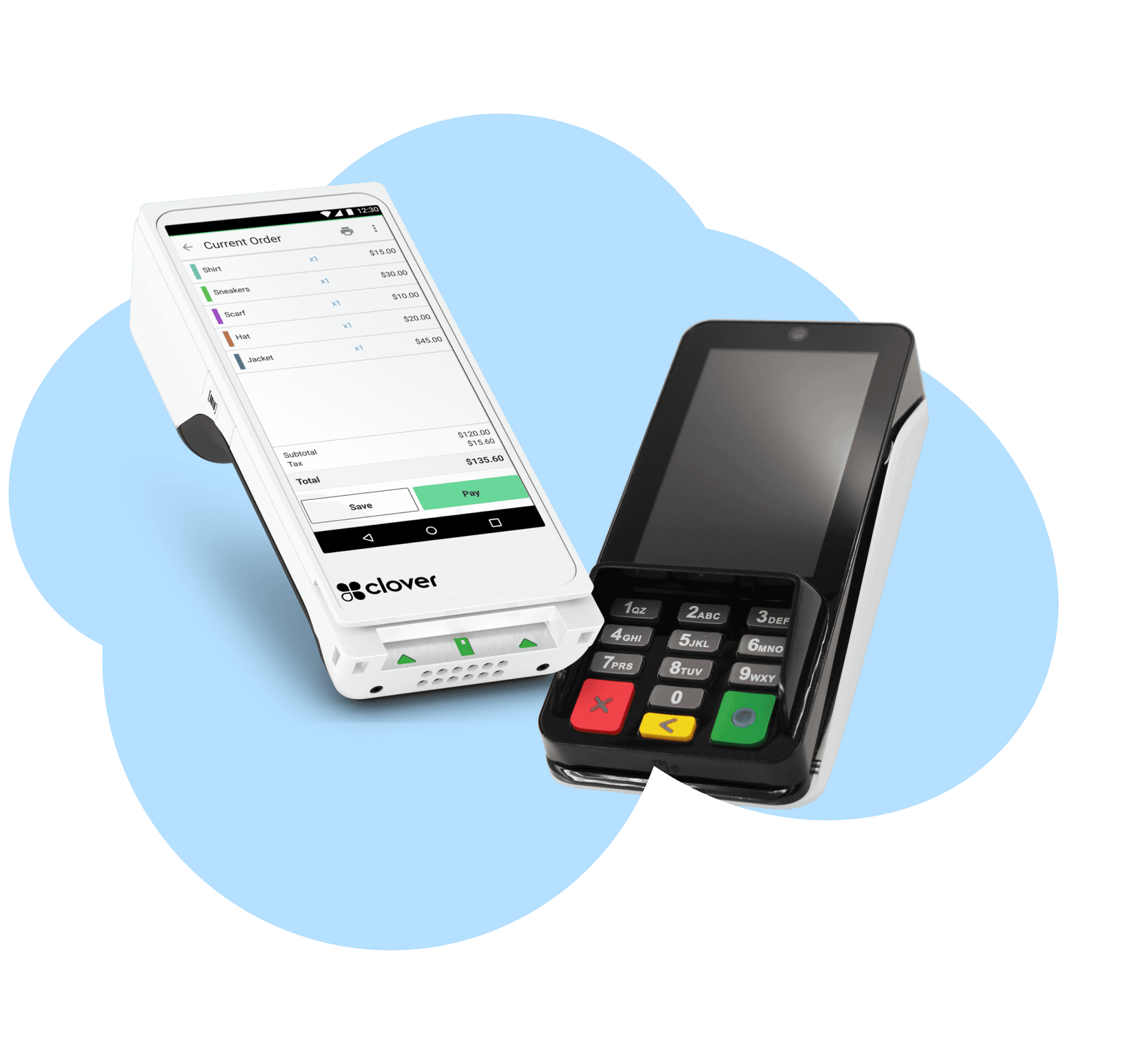
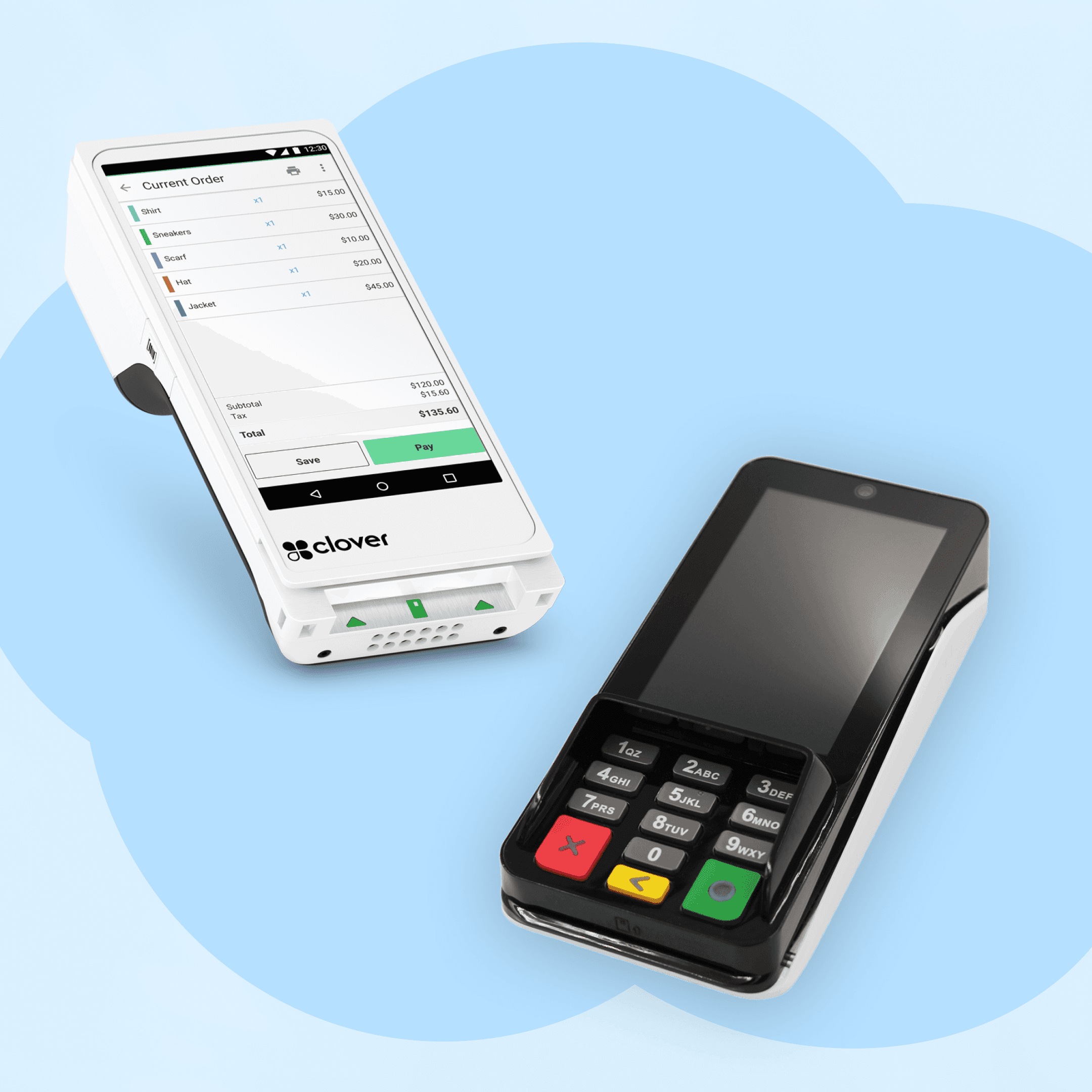
Choose from the PAX A35, PAX a920 Pro, Clover Flex, and Clover Mini. Buy outright or rent it from Gravity for a low monthly fee.
Manual Entry as a Backup
In a pinch, enter a card number manually right from the payment dialog.
Sale Voids
Void a sale in ConsignCloud and the card payment voids with it. Everything stays in sync automatically.
Funds in Two Business Days
Payments can hit your bank account as soon as two business days from the transaction.
Interchange-Plus Pricing
Gravity uses transparent interchange-plus pricing so you pay what the card networks charge, plus a straightforward margin on top.
Why choose Gravity?
Speed up checkout
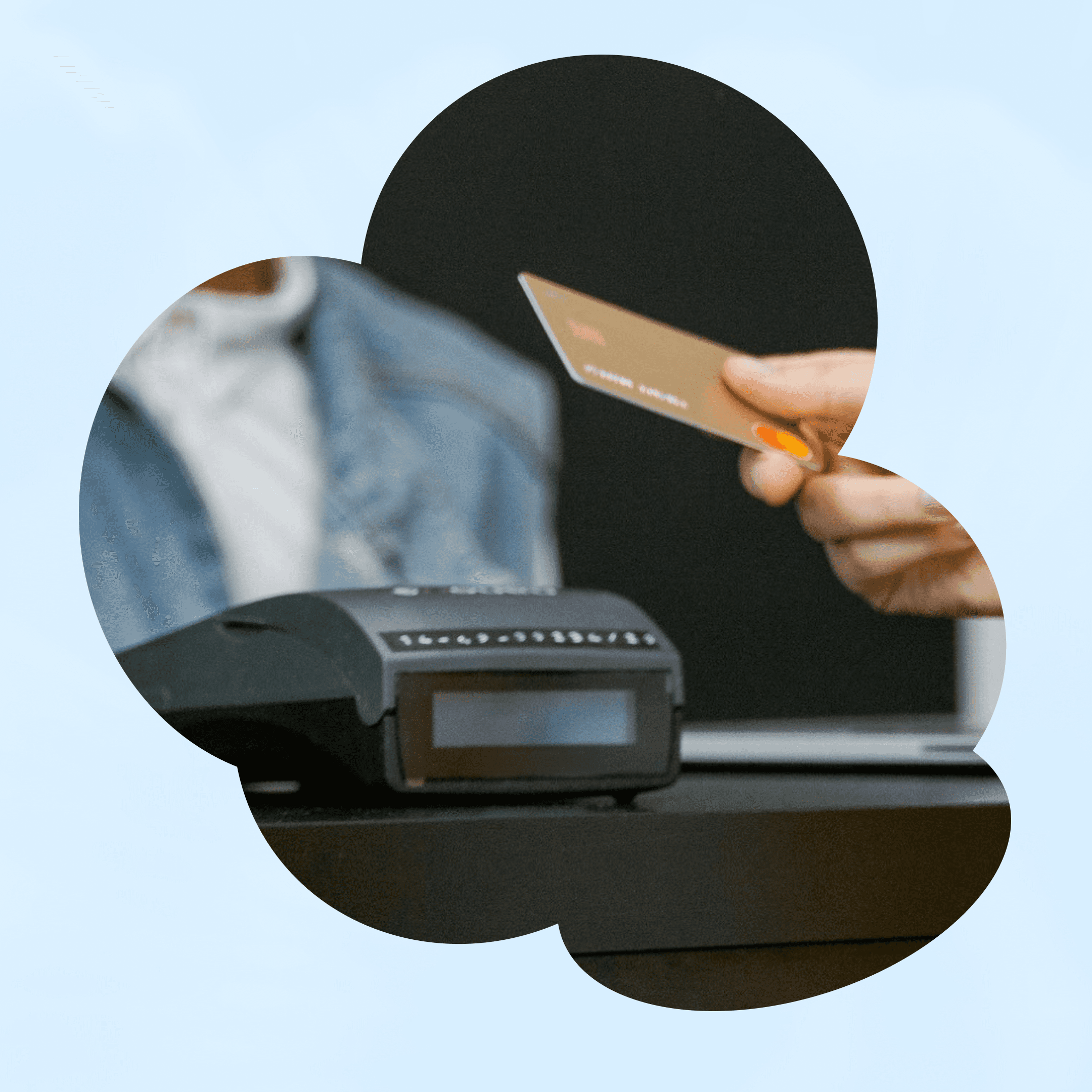
Running payments through a non-integrated processor means recording sales in two places. Integrated processing eliminates that entirely by connecting your terminal directly with your POS.
Automatic transaction logging
No manual data entry
Fewer errors at the counter
Speed up checkout
Running payments through a non-integrated processor means recording sales in two places. Integrated processing eliminates that entirely by connecting your terminal directly with your POS.
Automatic transaction logging
Fewer errors at the counter
Speed up checkout
Running payments through a non-integrated processor means recording sales in two places. Integrated processing eliminates that entirely by connecting your terminal directly with your POS.
Automatic transaction logging
No manual data entry
Fewer errors at the counter
Already using Gravity? Stay put
If you're currently processing with Gravity, switching to ConsignCloud doesn't mean starting over. You can keep your terminals and let Gravity reconfigure them remotely.
Remote terminal reconfiguration
No new merchant account required
Already using Gravity? Stay put
If you're currently processing with Gravity, switching to ConsignCloud doesn't mean starting over. You can keep your terminals and let Gravity reconfigure them remotely.
Remote terminal reconfiguration
Already using Gravity? Stay put
If you're currently processing with Gravity, switching to ConsignCloud doesn't mean starting over. You can keep your terminals and let Gravity reconfigure them remotely.
Remote terminal reconfiguration
No new merchant account required
Support that knows your setup
Because Gravity is a dedicated payments partner for ConsignCloud, both teams know how the integration works. If you ever have any issues, you won't end up bouncing between support lines.
Expert technical support
Set up in about a week
Support that knows your setup
Because Gravity is a dedicated payments partner for ConsignCloud, both teams know how the integration works. If you ever have any issues, you won't end up bouncing between support lines.
Expert technical support
Support that knows your setup
Because Gravity is a dedicated payments partner for ConsignCloud, both teams know how the integration works. If you ever have any issues, you won't end up bouncing between support lines.
Expert technical support
Set up in about a week
How to connect with Gravity
Step 1
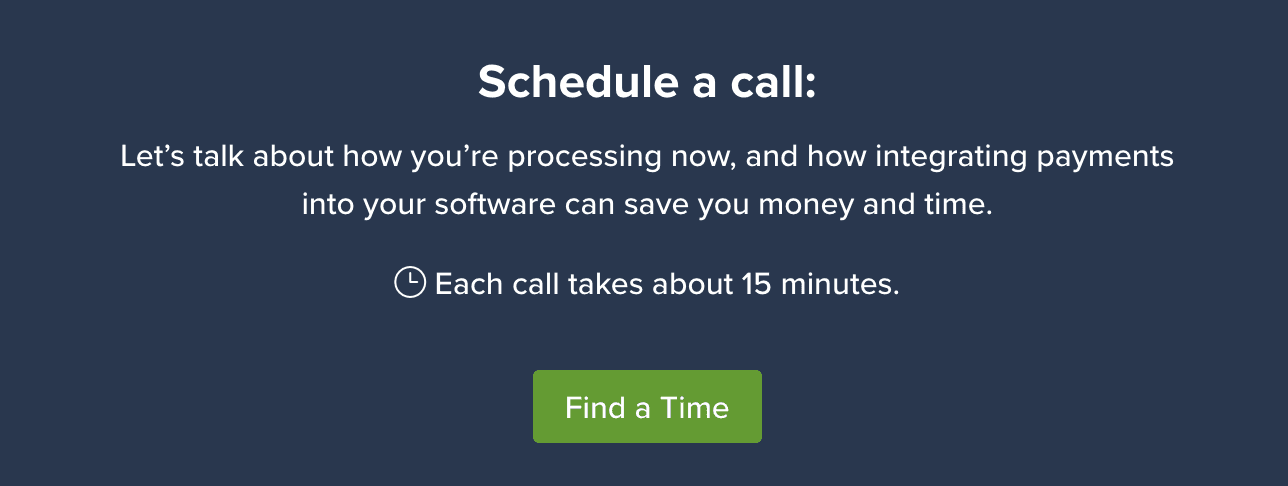
Apply with Gravity
Fill out Gravity's merchant application at gravitypayments.com/partner/consigncloud. In most cases, someone will be in touch within one business day.
Step 2
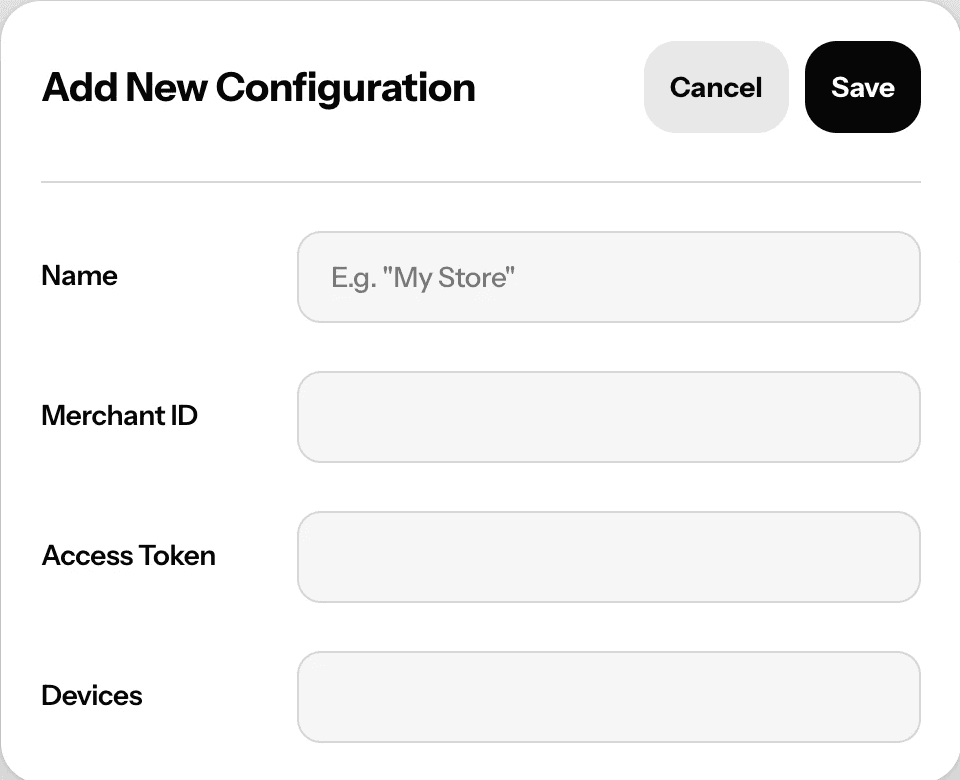
Get configured
Once your application is approved, Gravity enters your integration details directly into ConsignCloud. If you're an existing Gravity customer, they'll reconfigure your current terminal remotely. New customers will receive a terminal by mail. The whole process typically takes about a week.
Step 3
Start accepting card payments
At checkout, select "Debit/Credit" in the payment dialog and ConsignCloud will prompt your terminal. Swipe, insert, or tap, and you're done.

How to connect with Gravity
Step 1
Apply with Gravity
Fill out Gravity's merchant application at gravitypayments.com/partner/consigncloud. In most cases, someone will be in touch within one business day.
Step 2
Get configured
Once your application is approved, Gravity enters your integration details directly into ConsignCloud. If you're an existing Gravity customer, they'll reconfigure your current terminal remotely. New customers will receive a terminal by mail. The whole process typically takes about a week.
Step 3
Start accepting card payments
At checkout, select "Debit/Credit" in the payment dialog and ConsignCloud will prompt your terminal. Swipe, insert, or tap, and you're done.
How to connect with Gravity
Step 1
Apply with Gravity
Fill out Gravity's merchant application at gravitypayments.com/partner/consigncloud. In most cases, someone will be in touch within one business day.
Step 2
Get configured
Once your application is approved, Gravity enters your integration details directly into ConsignCloud. If you're an existing Gravity customer, they'll reconfigure your current terminal remotely. New customers will receive a terminal by mail. The whole process typically takes about a week.
Step 3
Start accepting card payments
At checkout, select "Debit/Credit" in the payment dialog and ConsignCloud will prompt your terminal. Swipe, insert, or tap, and you're done.
FAQs
What terminals does the integration support?
ConsignCloud works with the PAX A35, PAX a920 Pro, Clover Flex, and Clover Mini. When you contact Gravity, they'll help you choose the right terminal for your setup — or reconfigure the one you already have.
What are Gravity's processing rates?
Gravity uses interchange-plus pricing, which means they pass on the card network's rate transparently, plus a margin on top. Your exact rate depends on factors like your sales volume, business type, and years in operation — Gravity will give you a quote after your merchant application is reviewed.
What does "integrated" payments actually mean?
It means your payment terminal talks directly to ConsignCloud. When you finalize a sale and a customer taps their card, the transaction is recorded automatically — no manual entry required. It also means voids stay in sync: void a sale in ConsignCloud, and the card payment is voided too.
Do I need to buy a new terminal if I'm already a Gravity customer?
In most cases, no. Gravity can reconfigure your existing terminals remotely to work with ConsignCloud — no need to mail them in or replace them. The one exception is the PAX S300, which is being retired and is no longer supported. If that's what you're running, you'll need a new reader, but it's a good time to upgrade regardless.
FAQs
What terminals does the integration support?
ConsignCloud works with the PAX A35, PAX a920 Pro, Clover Flex, and Clover Mini. When you contact Gravity, they'll help you choose the right terminal for your setup — or reconfigure the one you already have.
What are Gravity's processing rates?
Gravity uses interchange-plus pricing, which means they pass on the card network's rate transparently, plus a margin on top. Your exact rate depends on factors like your sales volume, business type, and years in operation — Gravity will give you a quote after your merchant application is reviewed.
What does "integrated" payments actually mean?
It means your payment terminal talks directly to ConsignCloud. When you finalize a sale and a customer taps their card, the transaction is recorded automatically — no manual entry required. It also means voids stay in sync: void a sale in ConsignCloud, and the card payment is voided too.
Do I need to buy a new terminal if I'm already a Gravity customer?
In most cases, no. Gravity can reconfigure your existing terminals remotely to work with ConsignCloud — no need to mail them in or replace them. The one exception is the PAX S300, which is being retired and is no longer supported. If that's what you're running, you'll need a new reader, but it's a good time to upgrade regardless.
FAQs
What terminals does the integration support?
ConsignCloud works with the PAX A35, PAX a920 Pro, Clover Flex, and Clover Mini. When you contact Gravity, they'll help you choose the right terminal for your setup — or reconfigure the one you already have.
What are Gravity's processing rates?
Gravity uses interchange-plus pricing, which means they pass on the card network's rate transparently, plus a margin on top. Your exact rate depends on factors like your sales volume, business type, and years in operation — Gravity will give you a quote after your merchant application is reviewed.
What does "integrated" payments actually mean?
It means your payment terminal talks directly to ConsignCloud. When you finalize a sale and a customer taps their card, the transaction is recorded automatically — no manual entry required. It also means voids stay in sync: void a sale in ConsignCloud, and the card payment is voided too.
Do I need to buy a new terminal if I'm already a Gravity customer?
In most cases, no. Gravity can reconfigure your existing terminals remotely to work with ConsignCloud — no need to mail them in or replace them. The one exception is the PAX S300, which is being retired and is no longer supported. If that's what you're running, you'll need a new reader, but it's a good time to upgrade regardless.



Ready to get started?
Ready to get started?
Product
Store Models
Store Types
© 2026 ConsignCloud LLC. All Rights Reserved.
Product
Store Models
Store Types
© 2026 ConsignCloud LLC. All Rights Reserved.
Product
Store Models
Store Types
© 2026 ConsignCloud LLC. All Rights Reserved.