
Integration
Square meets consignment management
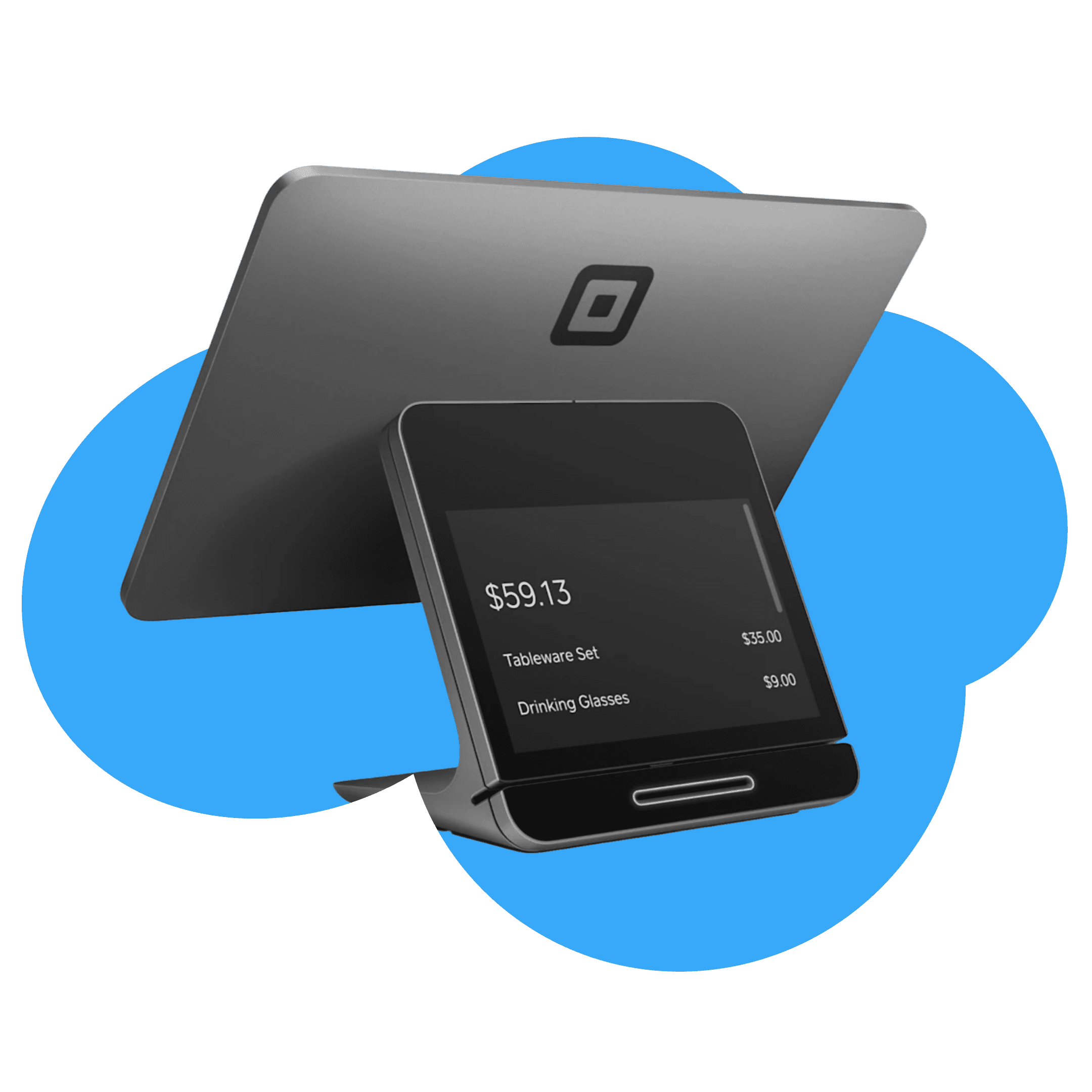
ConsignCloud connects directly to your Square POS, so you can keep selling the way you already do, with consignor tracking, automatic balance updates, and inventory sync running in the background.
Integration
Square meets consignment management
ConsignCloud connects directly to your Square POS, so you can keep selling the way you already do, with consignor tracking, automatic balance updates, and inventory sync running in the background.
Integration
Square meets consignment management
ConsignCloud connects directly to your Square POS, so you can keep selling the way you already do, with consignor tracking, automatic balance updates, and inventory sync running in the background.
Everything Square is missing for consignment
Full Inventory Sync
Items you enter in ConsignCloud push straight to your Square catalog, so you're never managing two lists.
Consignor Balance Tracking
Every sale in Square automatically updates the right consignor's balance in ConsignCloud.
Bulk Inventory Publishing
Already have a big catalog? Push some or all of your inventory to Square in one bulk action.
Per-Item Listing Control
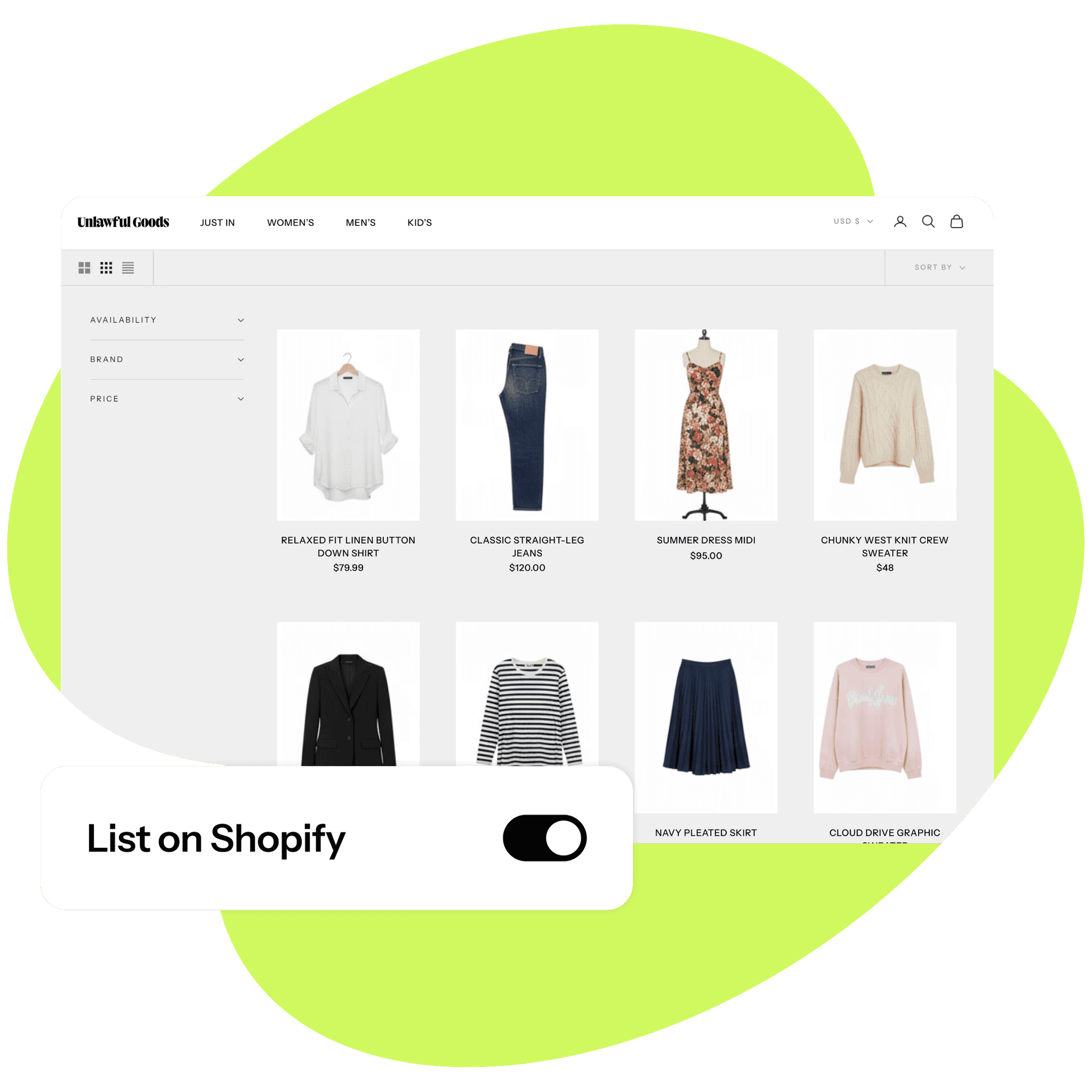
Choose exactly which items sync to Square — toggle it at entry or flip it on later for items already in your catalog.
Multi-Location Support
Use Shelves in ConsignCloud to route different inventory to different Square locations, automatically.
Consignor Communication, Automated
Keep consignors in the loop on accepted items, sales, balances, and more with our consignor portal and automated emails.
Why ConsignCloud + Square?
Keep Your Square Setup
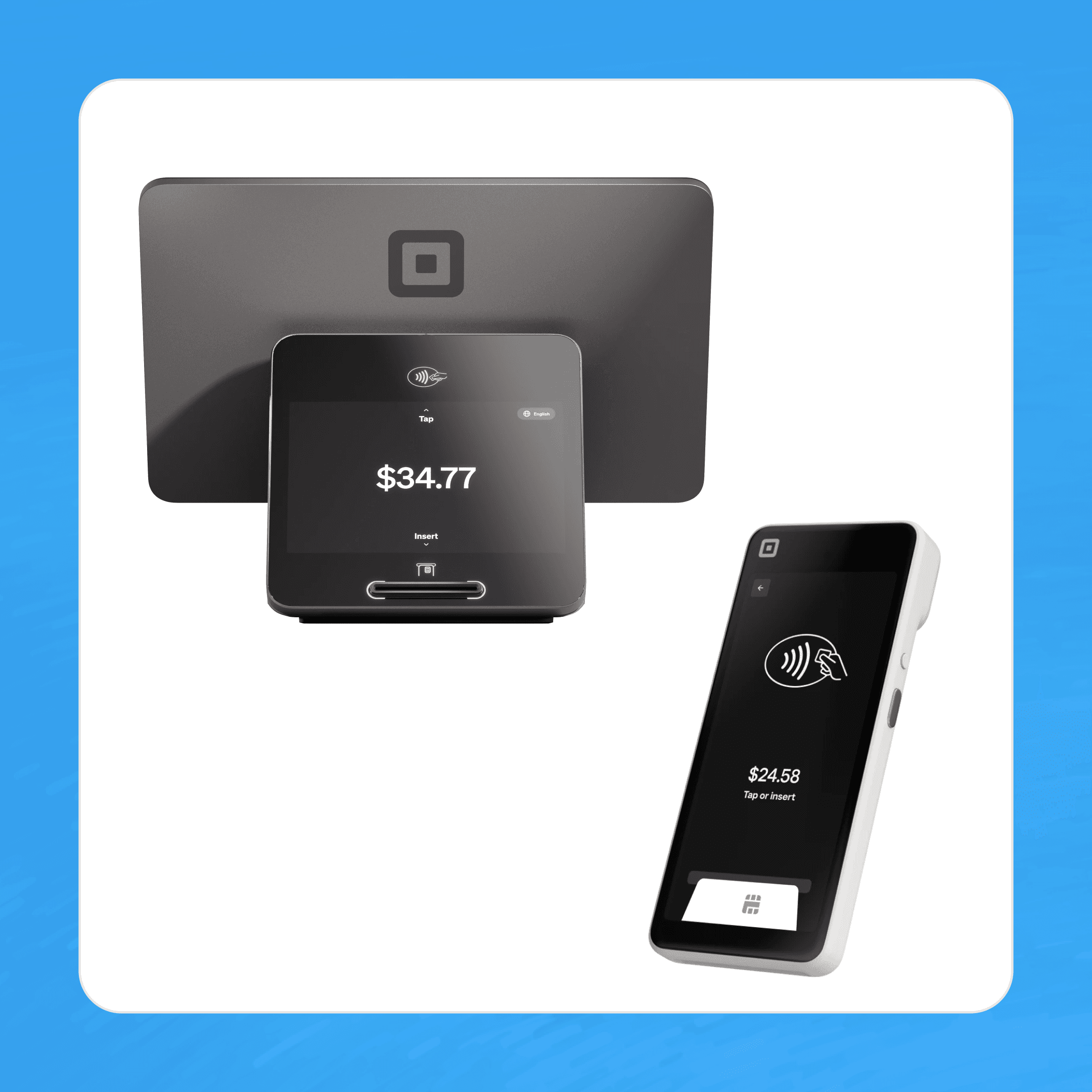
You already know Square — the hardware, POS, card reader, and site builder. ConsignCloud adds consignment management on top without asking you to change a thing about how you check out customers.
Use your existing Square hardware
No new POS to learn
Integrated card processing through Square
Keep Your Square Setup
You already know Square — the hardware, POS, card reader, and site builder. ConsignCloud adds consignment management on top without asking you to change a thing about how you check out customers.
Use your existing Square hardware
Integrated card processing through Square
Keep Your Square Setup
You already know Square — the hardware, POS, card reader, and site builder. ConsignCloud adds consignment management on top without asking you to change a thing about how you check out customers.
Use your existing Square hardware
No new POS to learn
Integrated card processing through Square
One Source of Truth
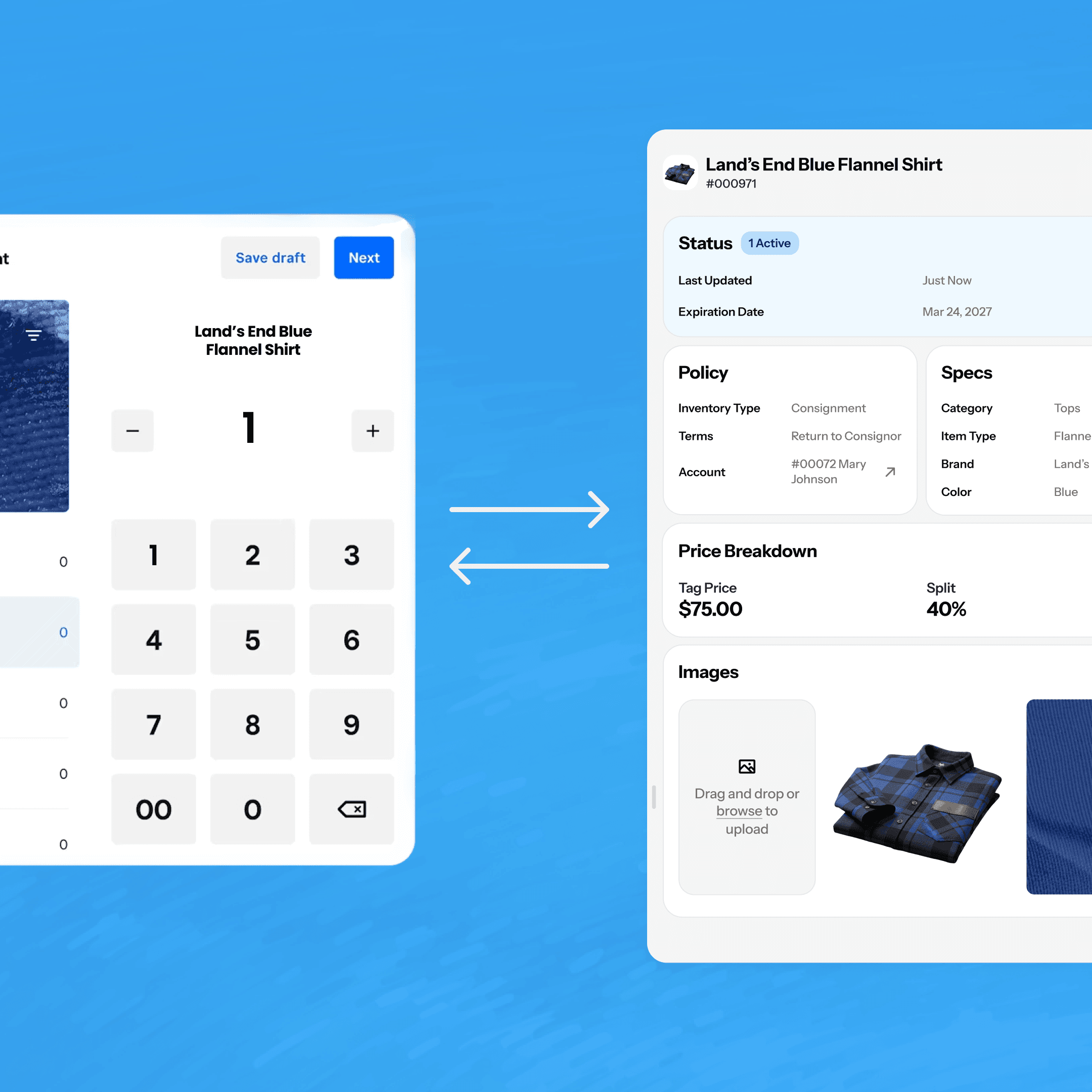
Enter an item once in ConsignCloud and it's live in Square. Sell it in Square and ConsignCloud marks it sold. Edits flow both ways.
Single item entry point
Sales sync instantly
Price and detail edits stay in sync
One Source of Truth
Enter an item once in ConsignCloud and it's live in Square. Sell it in Square and ConsignCloud marks it sold. Edits flow both ways.
Single item entry point
Sales sync instantly
Price and detail edits stay in sync
One Source of Truth
Enter an item once in ConsignCloud and it's live in Square. Sell it in Square and ConsignCloud marks it sold. Edits flow both ways.
Single item entry point
Sales sync instantly
Price and detail edits stay in sync
Built for Consignment
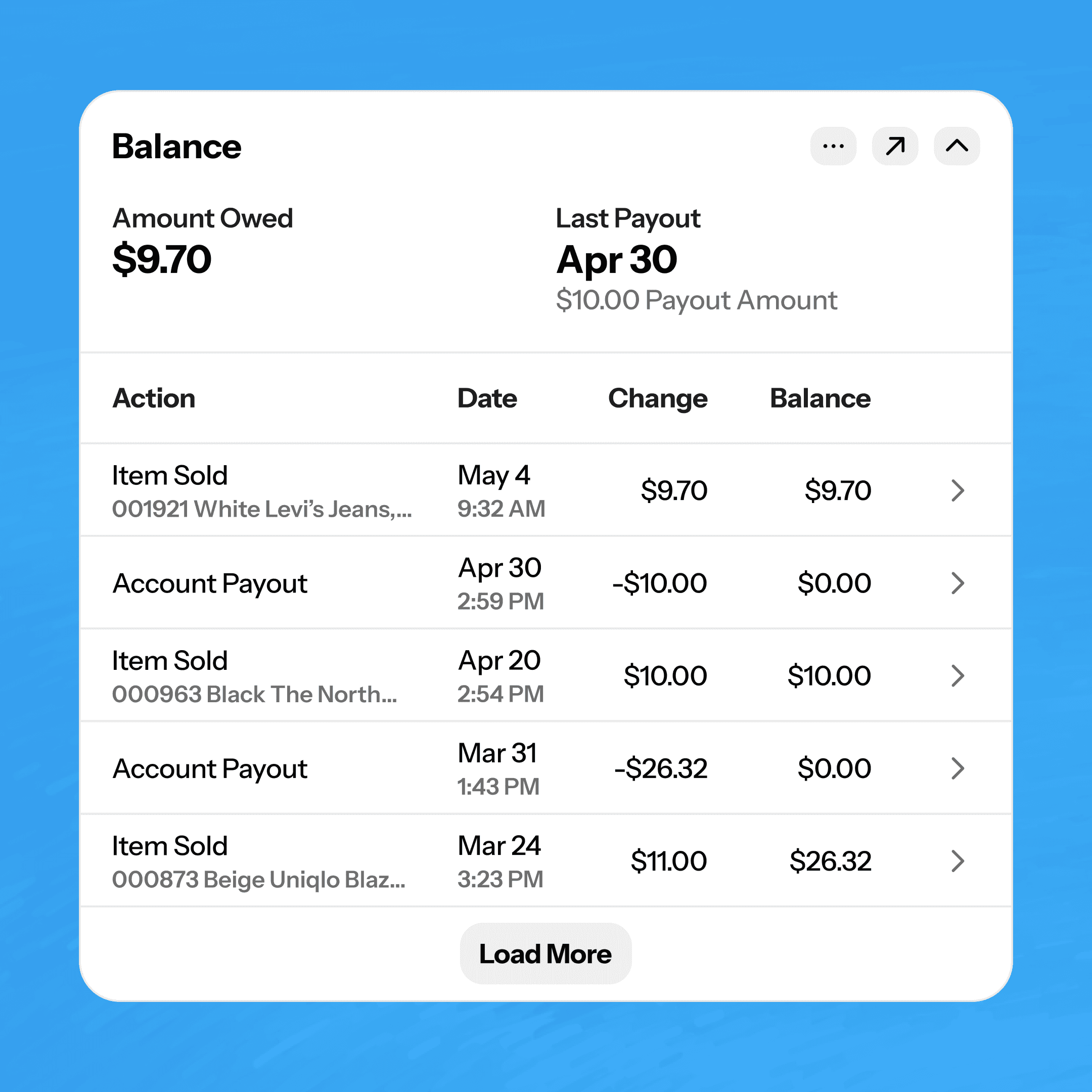
When a sale happens in Square, ConsignCloud calculates the consignor split and updates their account balance. No spreadsheets, no manual math.
Automatic split calculation
Balance history updated for every sale
Built for Consignment
When a sale happens in Square, ConsignCloud calculates the consignor split and updates their account balance. No spreadsheets, no manual math.
Automatic split calculation
Balance history updated for every sale
Built for Consignment
When a sale happens in Square, ConsignCloud calculates the consignor split and updates their account balance. No spreadsheets, no manual math.
Automatic split calculation
Balance history updated for every sale
Unlock Square's Ecosystem
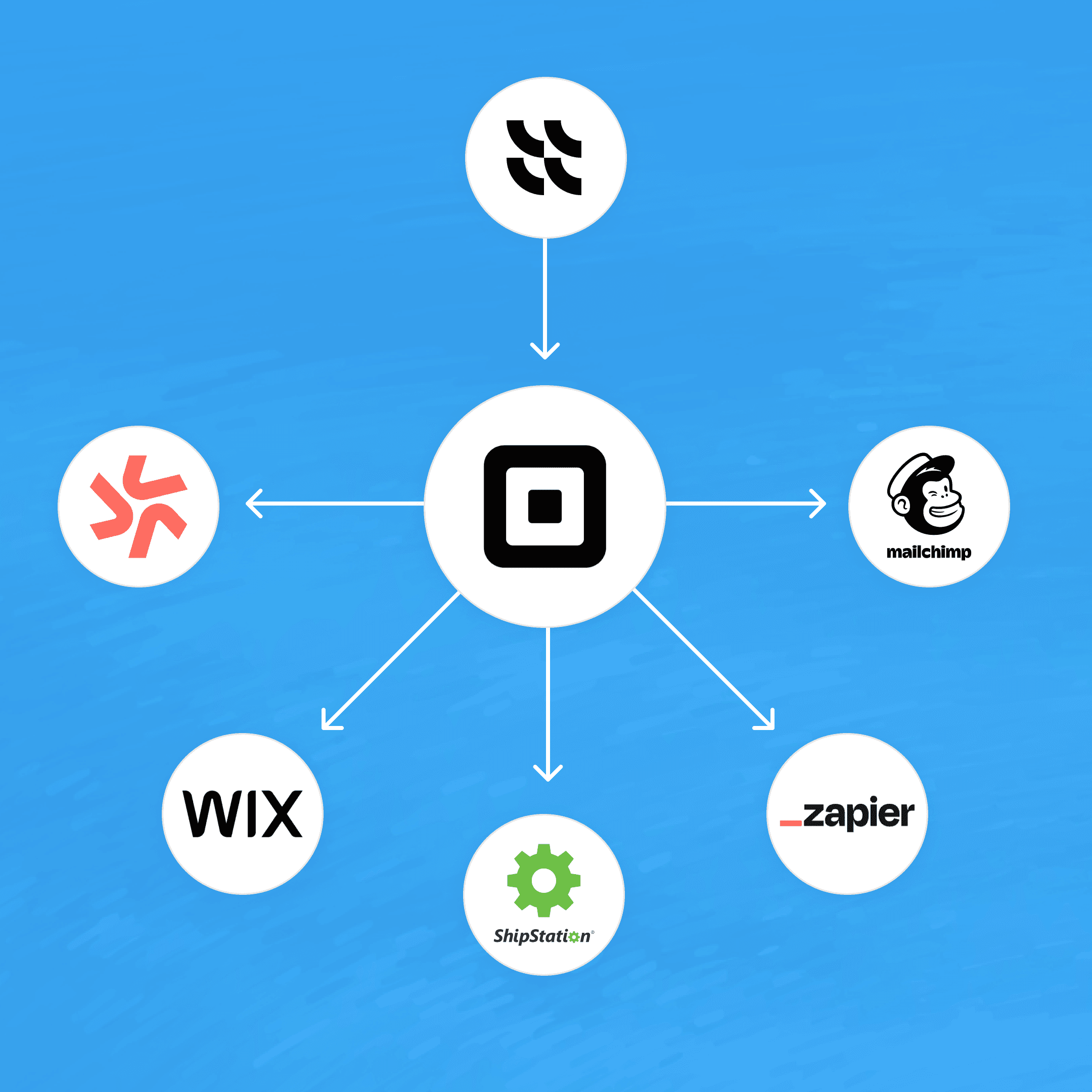
Once you're connected to Square, a whole world of third-party integrations opens up for email marketing, crosslisting, accounting, ecommerce, and more.
Ecommerce
Email marketing integrations
Crosslisting tools
Unlock Square's Ecosystem
Once you're connected to Square, a whole world of third-party integrations opens up for email marketing, crosslisting, accounting, ecommerce, and more.
Ecommerce
Email marketing integrations
Crosslisting tools
Unlock Square's Ecosystem
Once you're connected to Square, a whole world of third-party integrations opens up for email marketing, crosslisting, accounting, ecommerce, and more.
Ecommerce
Email marketing integrations
Crosslisting tools
Connect Square in three steps
STEP 1
Enable the integration
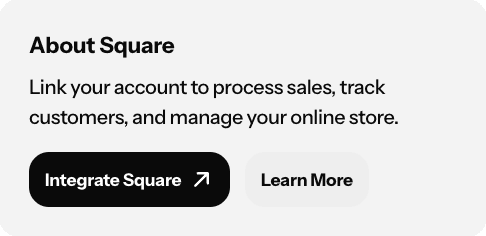
Go to Settings → Apps in ConsignCloud and select Square. Log in to your Square account and confirm which store you're linking.
Step 2
Set your preferences
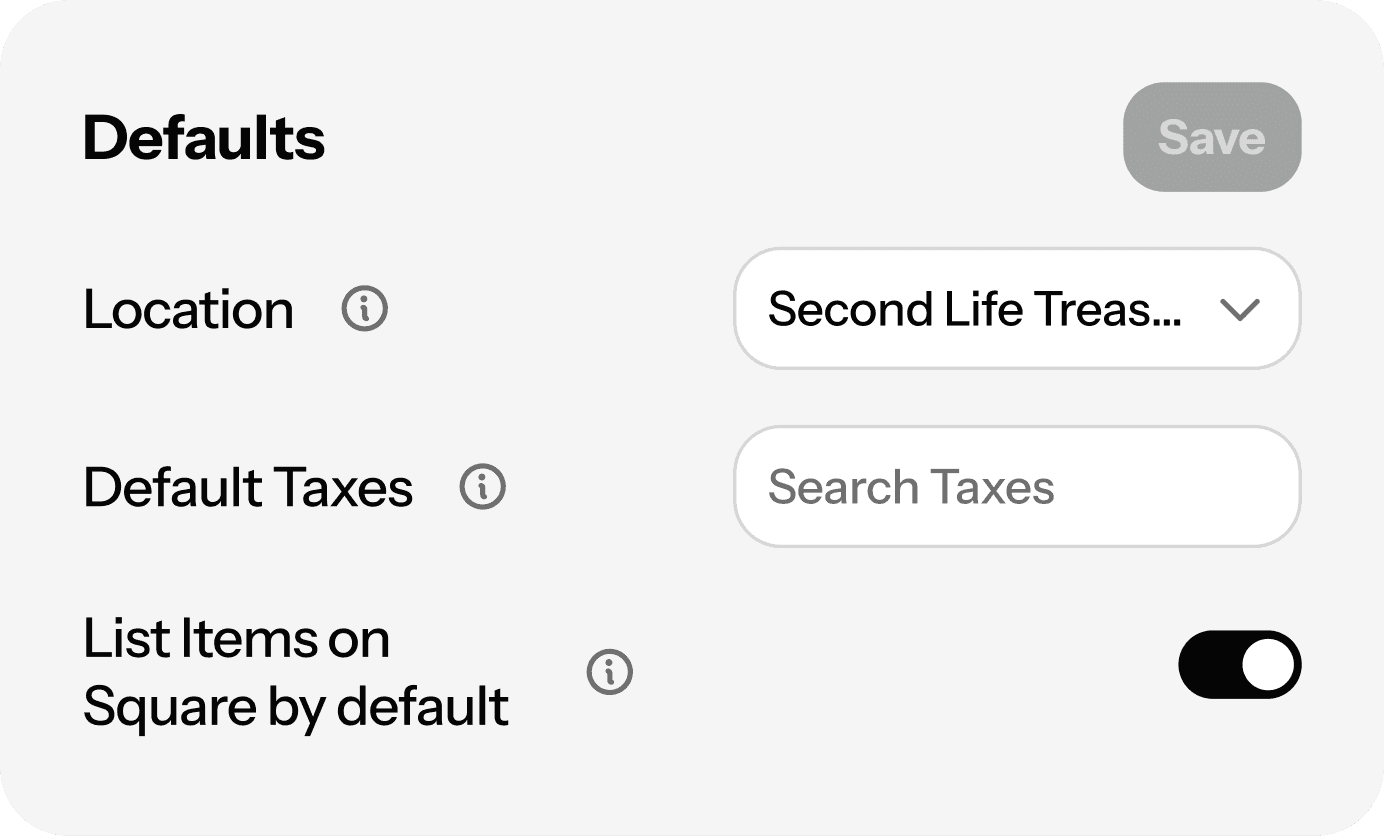
Set defaults for syncing, field mapping, and more in ConsignCloud's Square app settings.
Step 3
Push your existing inventory
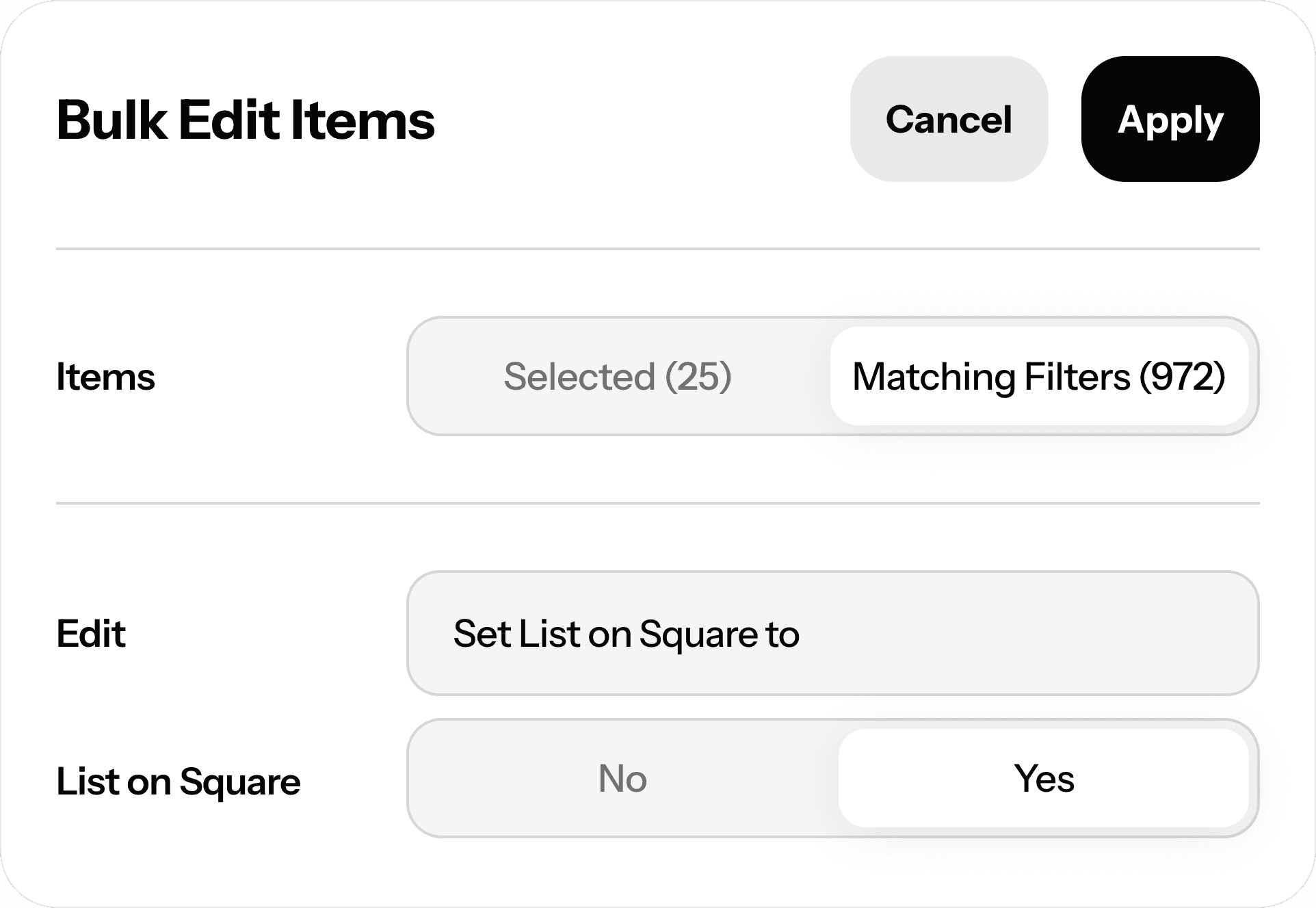
Already have inventory in ConsignCloud? Use the bulk editor to select your items and turn on "List on Square" across all of them at once.
Connect Square in three steps
STEP 1
Enable the integration
Go to Settings → Apps in ConsignCloud and select Square. Log in to your Square account and confirm which store you're linking.
Step 2
Set your preferences
Set defaults for syncing, field mapping, and more in ConsignCloud's Square app settings.
Step 3
Push your existing inventory
Already have inventory in ConsignCloud? Use the bulk editor to select your items and turn on "List on Square" across all of them at once.
Connect Square in three steps
STEP 1
Enable the integration
Go to Settings → Apps in ConsignCloud and select Square. Log in to your Square account and confirm which store you're linking.
Step 2
Set your preferences
Set defaults for syncing, field mapping, and more in ConsignCloud's Square app settings.
Step 3
Push your existing inventory
Already have inventory in ConsignCloud? Use the bulk editor to select your items and turn on "List on Square" across all of them at once.
FAQs
Does ConsignCloud replace my Square POS?
Not unless you want it to! ConsignCloud does have a powerful POS built for resale, but if you already use and love Square, you can keep running sales exactly as you do today. ConsignCloud runs alongside it, handling consignor tracking, balance updates, and inventory sync behind the scenes.
Will my consignor discounts and gift cards work through Square?
Not automatically. ConsignCloud's discounts, gift cards, and consignor credit are features of ConsignCloud's own POS — they can't be applied through Square's checkout. You'll want to use Square's native tools for any point-of-sale policies on that side. See our Help Center for details.
Do Square sales show up in my ConsignCloud sales reports?
Sales made in Square are recorded in ConsignCloud as sold items and update consignor balances, but they don't appear in ConsignCloud's Sales table or Sales and Payouts Summary. When it's time to reconcile, you'll pull reports from both systems. Learn more here.
What item details sync to Square?
ConsignCloud syncs the item title, category, description, images, SKU, and price. If a category doesn't exist in Square yet, ConsignCloud creates it for you.
What if I have a lot of inventory already in ConsignCloud?
No problem. Use the bulk edit "List on Square" from your Inventory screen to push your existing catalog to Square all at once — no need to re-enter anything.
FAQs
Does ConsignCloud replace my Square POS?
Not unless you want it to! ConsignCloud does have a powerful POS built for resale, but if you already use and love Square, you can keep running sales exactly as you do today. ConsignCloud runs alongside it, handling consignor tracking, balance updates, and inventory sync behind the scenes.
Will my consignor discounts and gift cards work through Square?
Not automatically. ConsignCloud's discounts, gift cards, and consignor credit are features of ConsignCloud's own POS — they can't be applied through Square's checkout. You'll want to use Square's native tools for any point-of-sale policies on that side. See our Help Center for details.
Do Square sales show up in my ConsignCloud sales reports?
Sales made in Square are recorded in ConsignCloud as sold items and update consignor balances, but they don't appear in ConsignCloud's Sales table or Sales and Payouts Summary. When it's time to reconcile, you'll pull reports from both systems. Learn more here.
What item details sync to Square?
ConsignCloud syncs the item title, category, description, images, SKU, and price. If a category doesn't exist in Square yet, ConsignCloud creates it for you.
What if I have a lot of inventory already in ConsignCloud?
No problem. Use the bulk edit "List on Square" from your Inventory screen to push your existing catalog to Square all at once — no need to re-enter anything.
FAQs
Does ConsignCloud replace my Square POS?
Not unless you want it to! ConsignCloud does have a powerful POS built for resale, but if you already use and love Square, you can keep running sales exactly as you do today. ConsignCloud runs alongside it, handling consignor tracking, balance updates, and inventory sync behind the scenes.
Will my consignor discounts and gift cards work through Square?
Not automatically. ConsignCloud's discounts, gift cards, and consignor credit are features of ConsignCloud's own POS — they can't be applied through Square's checkout. You'll want to use Square's native tools for any point-of-sale policies on that side. See our Help Center for details.
Do Square sales show up in my ConsignCloud sales reports?
Sales made in Square are recorded in ConsignCloud as sold items and update consignor balances, but they don't appear in ConsignCloud's Sales table or Sales and Payouts Summary. When it's time to reconcile, you'll pull reports from both systems. Learn more here.
What item details sync to Square?
ConsignCloud syncs the item title, category, description, images, SKU, and price. If a category doesn't exist in Square yet, ConsignCloud creates it for you.
What if I have a lot of inventory already in ConsignCloud?
No problem. Use the bulk edit "List on Square" from your Inventory screen to push your existing catalog to Square all at once — no need to re-enter anything.



Ready to get started?
Ready to get started?
Features
Integrations
Features
Integrations
Features
Integrations